

With Sui's token holding steady at $1.13 after a minor 0.88% dip over the past 24 hours, the blockchain's ecosystem shows resilience perfect for developers eyeing long-term opportunities. As we approach 2026, events like the Sui Builder's Workshop at National Taipei University of Technology and the Sui Bootcamp in Paris signal a surge in hands-on training for Move on Sui workshop 2026 initiatives. These gatherings underscore Sui's maturation as an internet-scale platform, where the Move language empowers secure dApp construction without common pitfalls plaguing other chains.
Sui Move Fundamentals: Build Your First dApp Workshop


Sui stands out through its object-centric model, diverging from account-based systems. This design, rooted in Move's resource-oriented semantics, ensures assets like tokens or NFTs remain tamper-proof. For newcomers aiming to build first Sui dApp, grasping these foundations prevents costly errors down the line. Conservative builders prioritize such precision, much like thorough due diligence in investments, favoring time-tested principles over fleeting hype.
Configuring Your Sui Development Environment
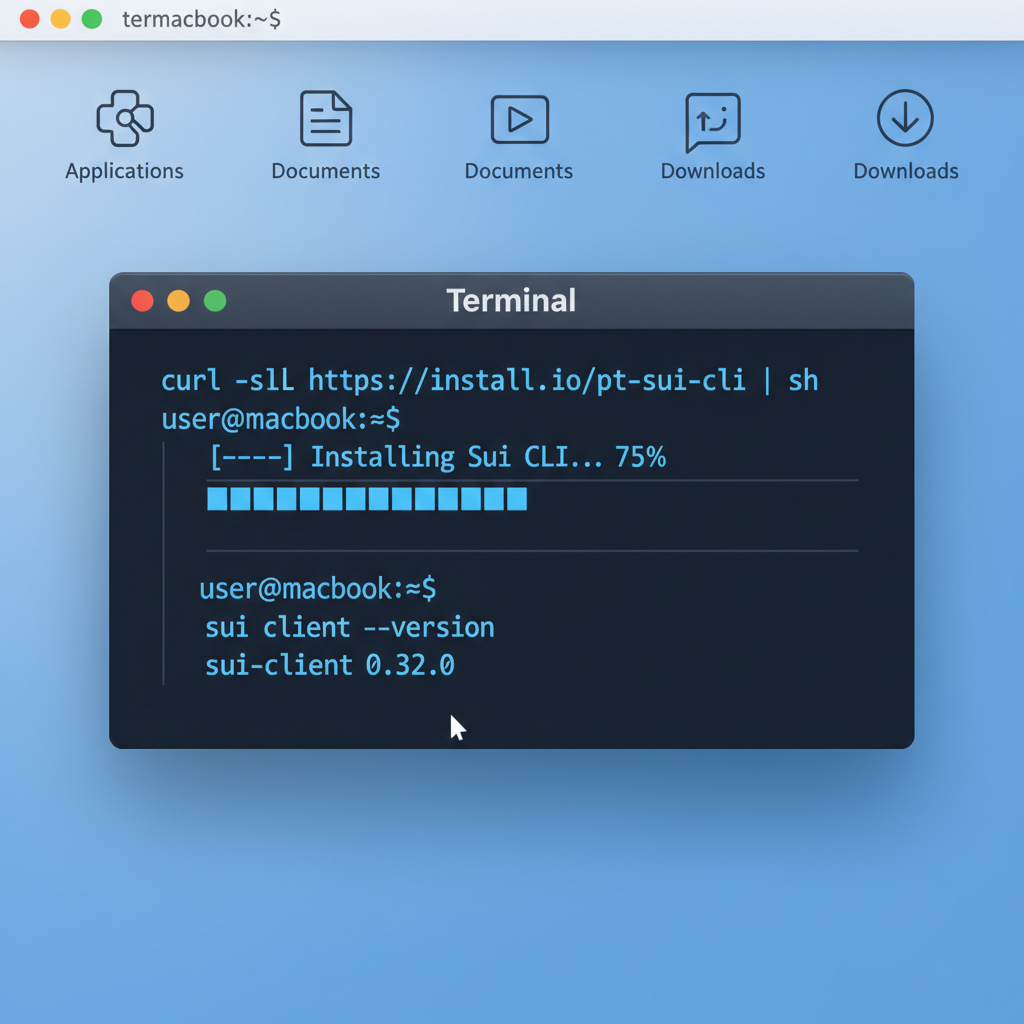
Begin by installing the Sui CLI, the gateway to testnet deployment and package management. Download from official channels, ensuring Rust is pre-installed since Move compiles via it. Run sui --version to verify; aim for the latest stable release supporting 2026 testnets. Next, generate a wallet with sui client new-env and switch to testnet via sui client switch --env testnet. Fund it using the testnet faucet, a ritual echoing prudent capital allocation before deeper commitments.
This setup mirrors workshops like the sui-foundation's object model session on GitHub, which walks through PTB interactions. With environment ready, you're positioned for Sui Move fundamentals exploration without friction.
Basic Hello World Message Module
To begin our hands-on exploration of Move on Sui, we will implement a basic package module. This module defines a simple `Message` object and provides a function to create and share an instance publicly. Such shared objects can be accessed by multiple users in a dApp context. Consider the structure carefully: we use standard Sui primitives for object management and transfer.
```move
module hello_world::message {

    use sui::object::{Self, UID};
    use sui::transfer;
    use sui::tx_context::{Self, TxContext};
    use std::vector;

    /// A simple message object that can be shared publicly.
    public struct Message has key, store {
        id: UID,
        /// The text content of the message.
        text: vector,
    }

    /// Create a new shared Message object with "Hello, World!".
    ///
    /// This function can be called via a transaction to mint and share the object.
    public entry fun create_message(ctx: &mut TxContext) {
        let message = Message {
            id: object::new(ctx),
            text: b"Hello, World!",
        };
        transfer::public_share_object(message);
    }
}
```
Deploy this module as part of a Sui package using the Sui CLI. Once published, you can invoke `create_message` via a transaction, resulting in a shared `Message` object on-chain with the text "Hello, World!". This forms the foundation for more complex interactions in your first dApp.
Core Principles of the Sui Object Model Tutorial
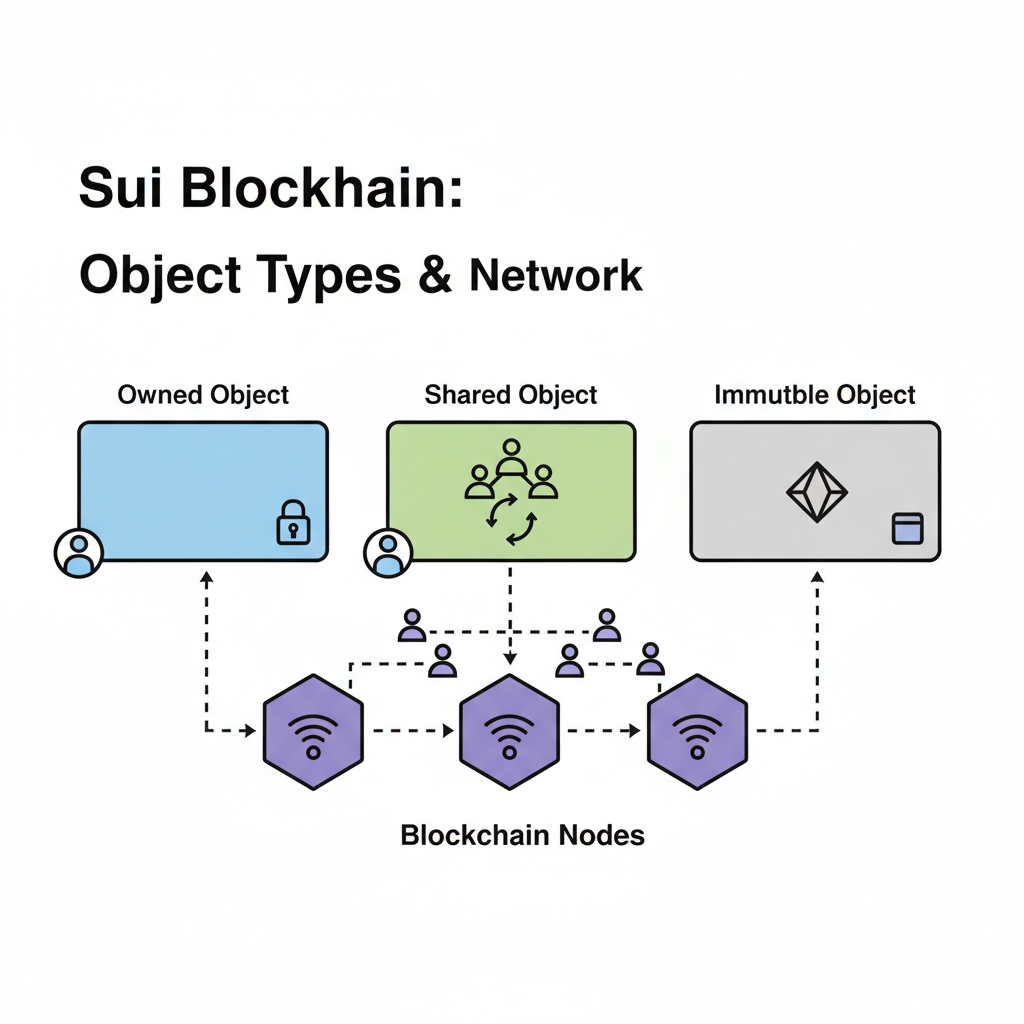
Sui's objects - owned, shared, or immutable - form the bedrock of its architecture. Owned objects tie to single addresses, enforcing exclusive control akin to physical property deeds. Shared objects enable multiplayer interactions, but demand careful upgrade policies to avoid exploits seen in less rigorous languages.
Sui's object model reduces attack surfaces, a conservative choice for dApps handling real value.
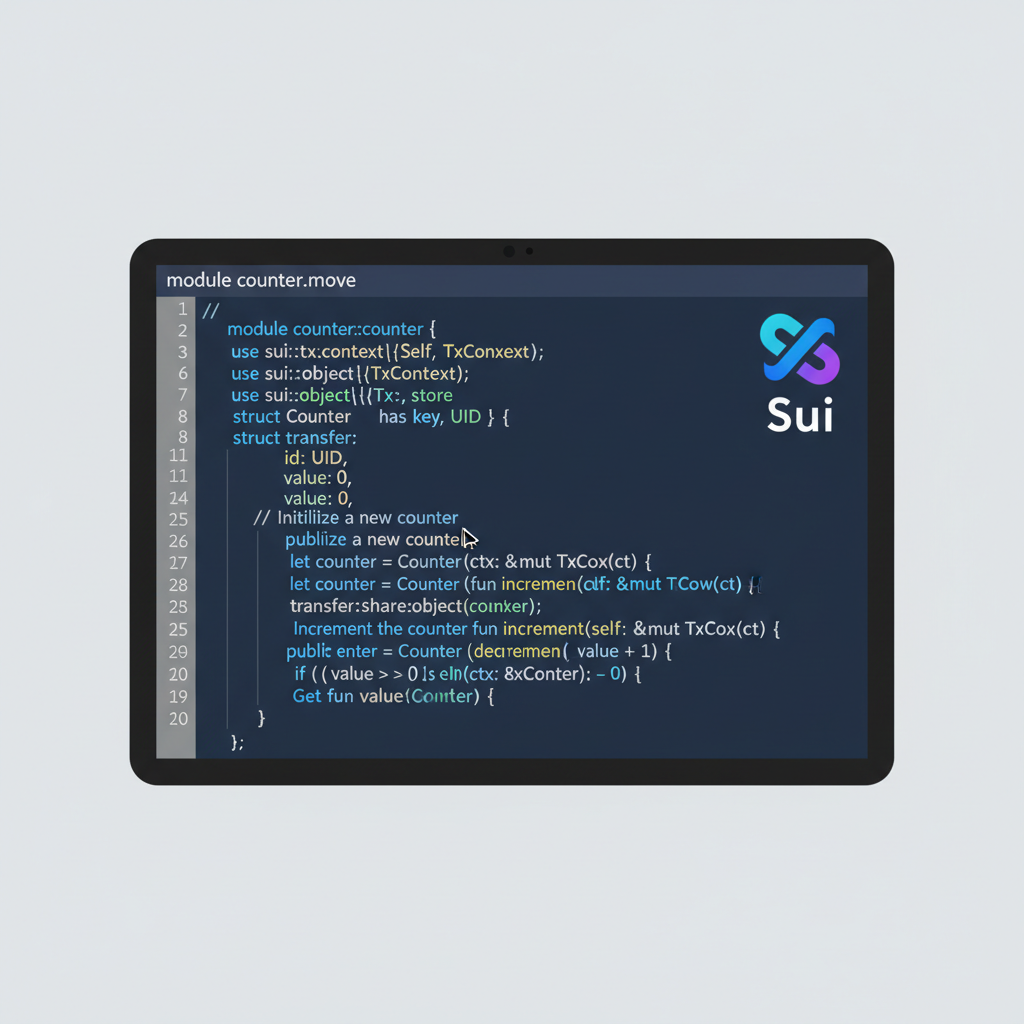
Consider a counter module: define a Counter struct with a u64 value field, marked key for ownership. Functions like increment consume the object, mutate, and return it, leveraging Move's linear typing to prevent duplicates or unauthorized access. This pattern, highlighted in Sui docs' Hello World tutorial, scales to coins or NFTs.
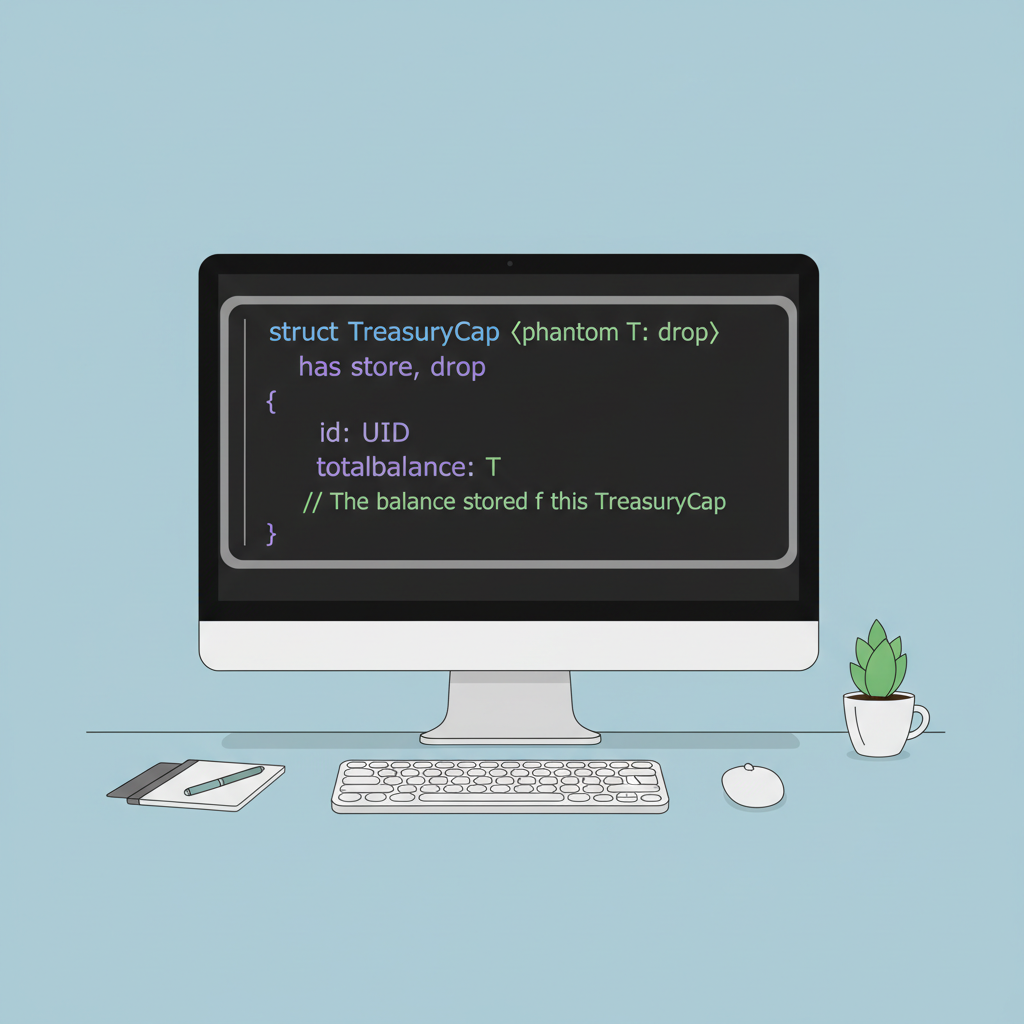
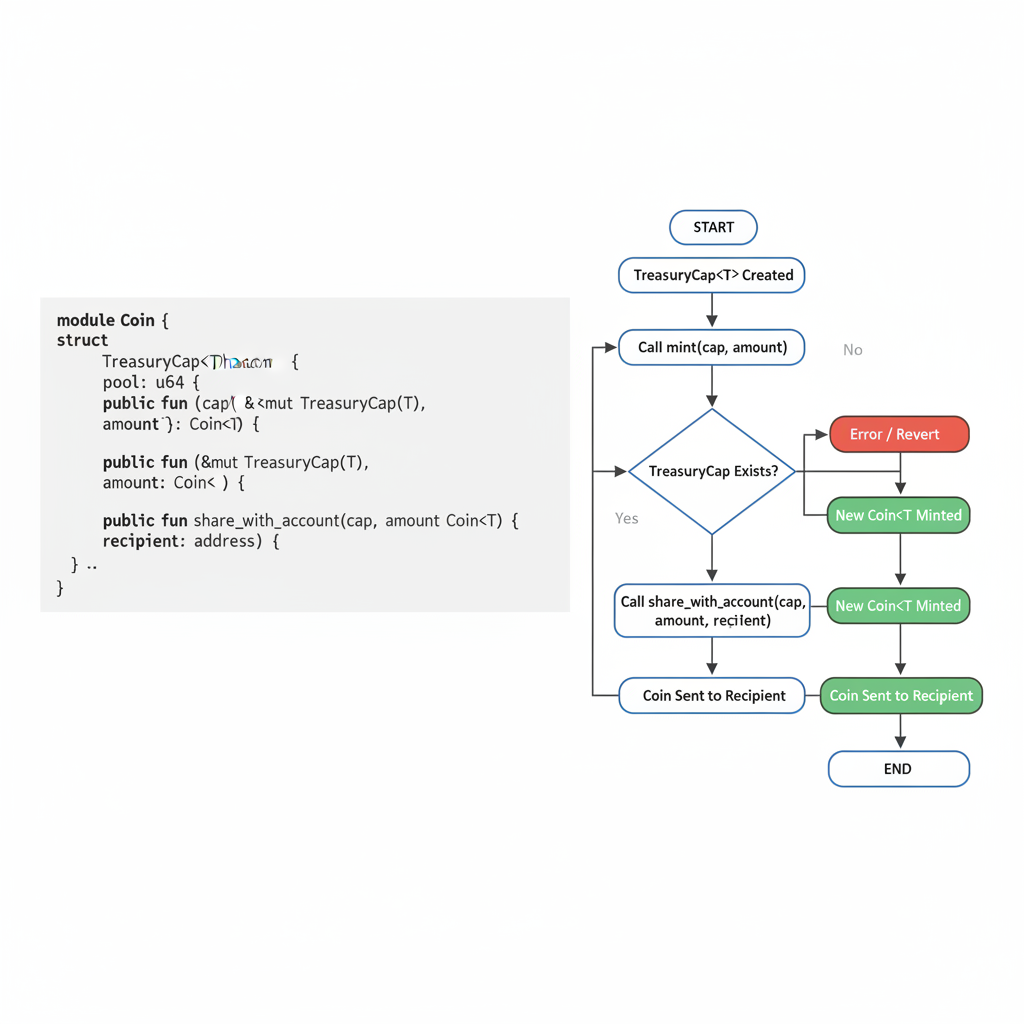
Workshops such as those by Monethic. io on security delve into vulnerabilities like improper capability management. Participants dissect real audits, learning to wield transfer and share_object judiciously. For your first foray, replicate a custom coin issuer: declare a TreasuryCap, mint via mint, and freeze post-initialization. Testing on testnet reveals gas efficiencies Sui optimizes, often undercutting competitors.
Publishing Your Initial Move Package to Testnet
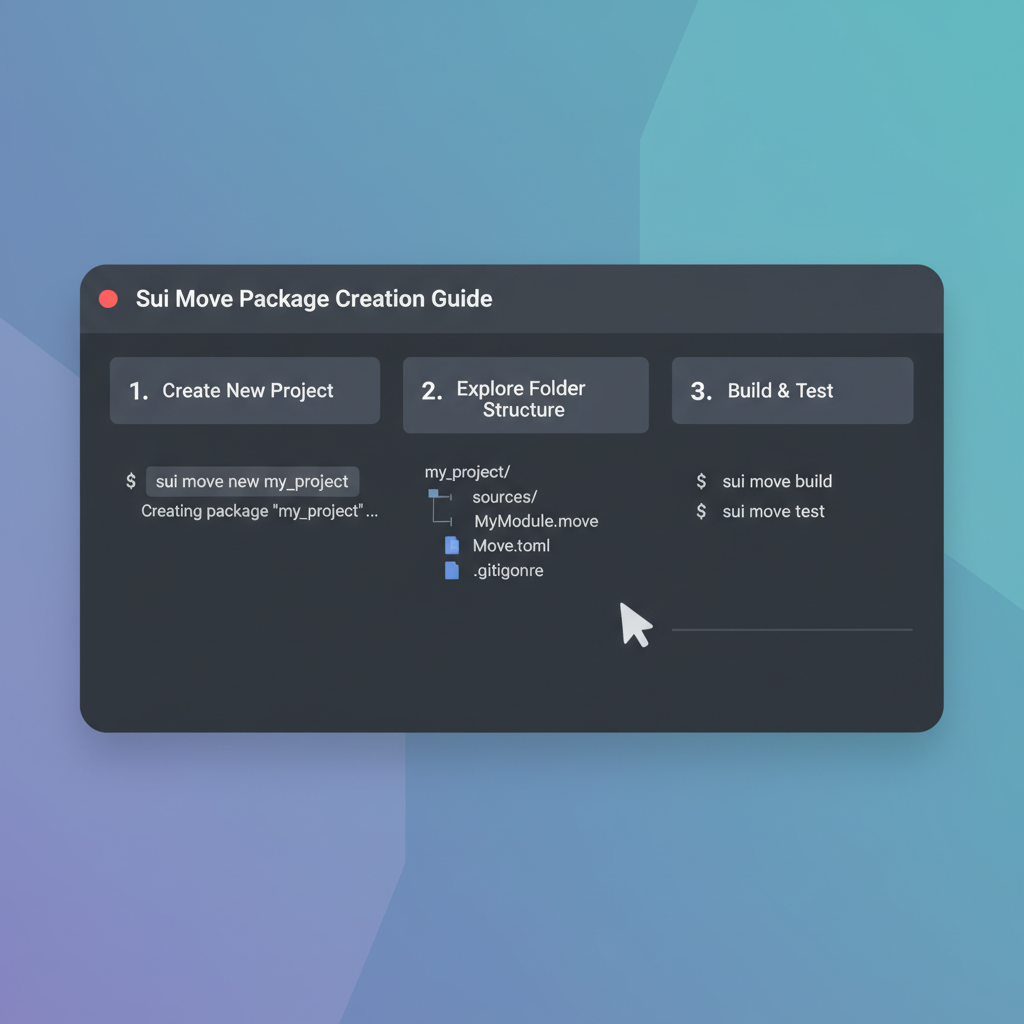
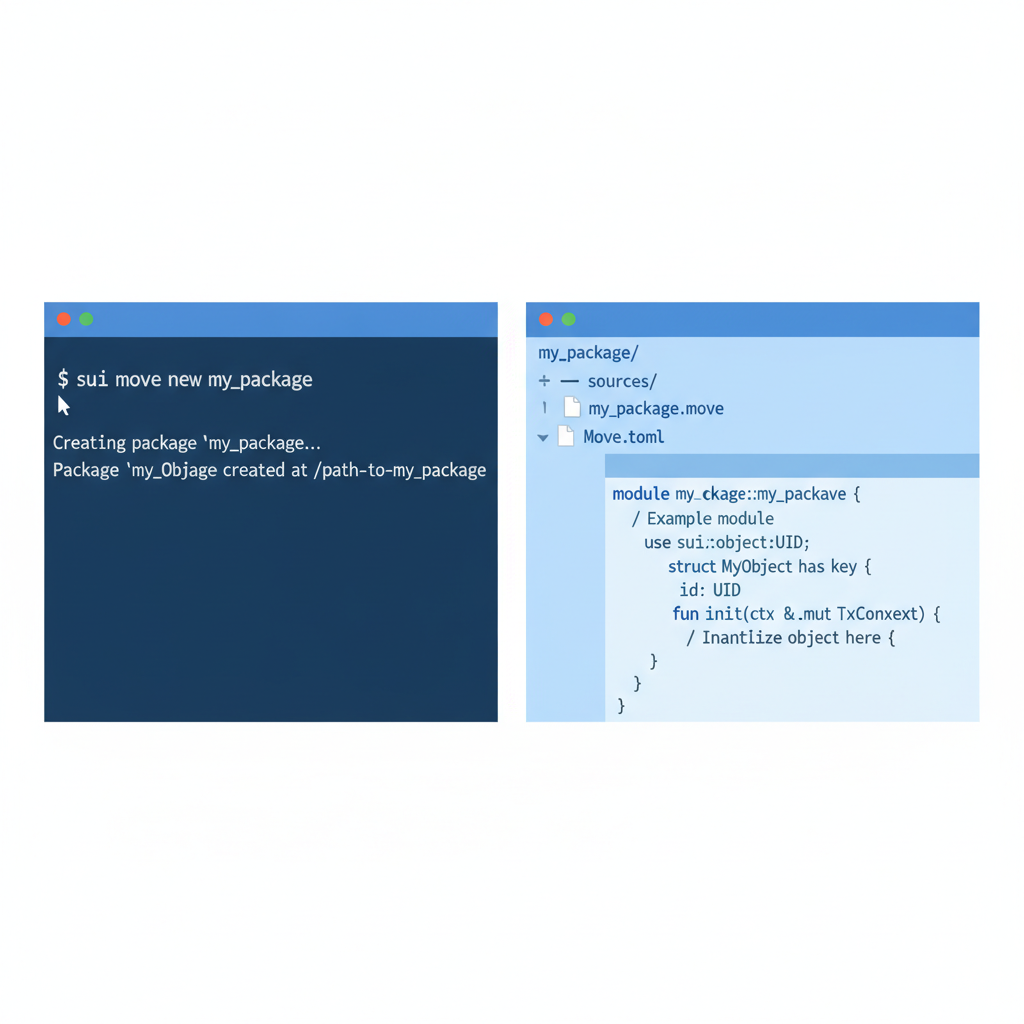
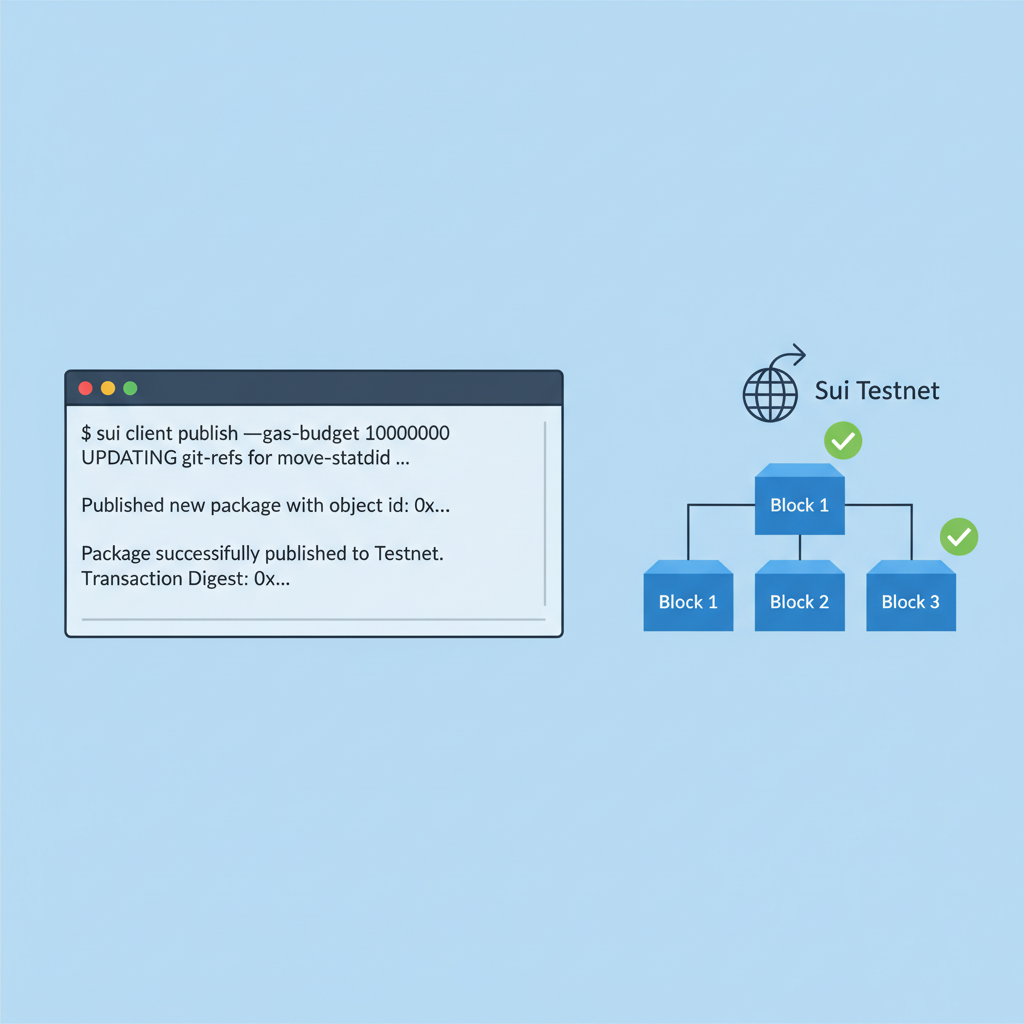
Craft a new package with sui move new my_first_dapp, navigate inside, and edit Moves. toml for dependencies. Implement a basic module exposing entry functions, then compile via sui move build. Publish with sui client publish --gas-budget 10000000, noting the package ID output for future calls.
This process, central to Sui object model tutorial resources, bridges theory to practice. Interact via CLI: sui client call invokes functions, displaying object changes. Such iteration builds intuition for deploy Sui smart contract testnet workflows, preparing for full dApps like DeFi vaults or NFT marketplaces.
Events in 2026 amplify this: Taipei's session with NTUT promises collaborative coding, while Paris bootcamp integrates frontend ties. Online alternatives like Mysten Labs' Move Intro persist, but in-person nuance accelerates mastery. As Sui trades at $1.13, its developer momentum suggests enduring value for patient builders.
Patient builders who master these steps position themselves amid Sui's ecosystem growth, where the token's stability at $1.13 reflects underlying protocol strength despite the slight 0.88% daily decline. Hands-on practice now yields compounding returns as adoption scales.
Hands-On: Crafting a Basic Counter dApp
To build first Sui dApp, extend your package with a functional counter. Define a shared Counter object accessible by multiple users, incrementable via public entry functions. This mirrors real-world shared state in DeFi or games, but Sui's model enforces atomic updates, sidestepping reentrancy woes.
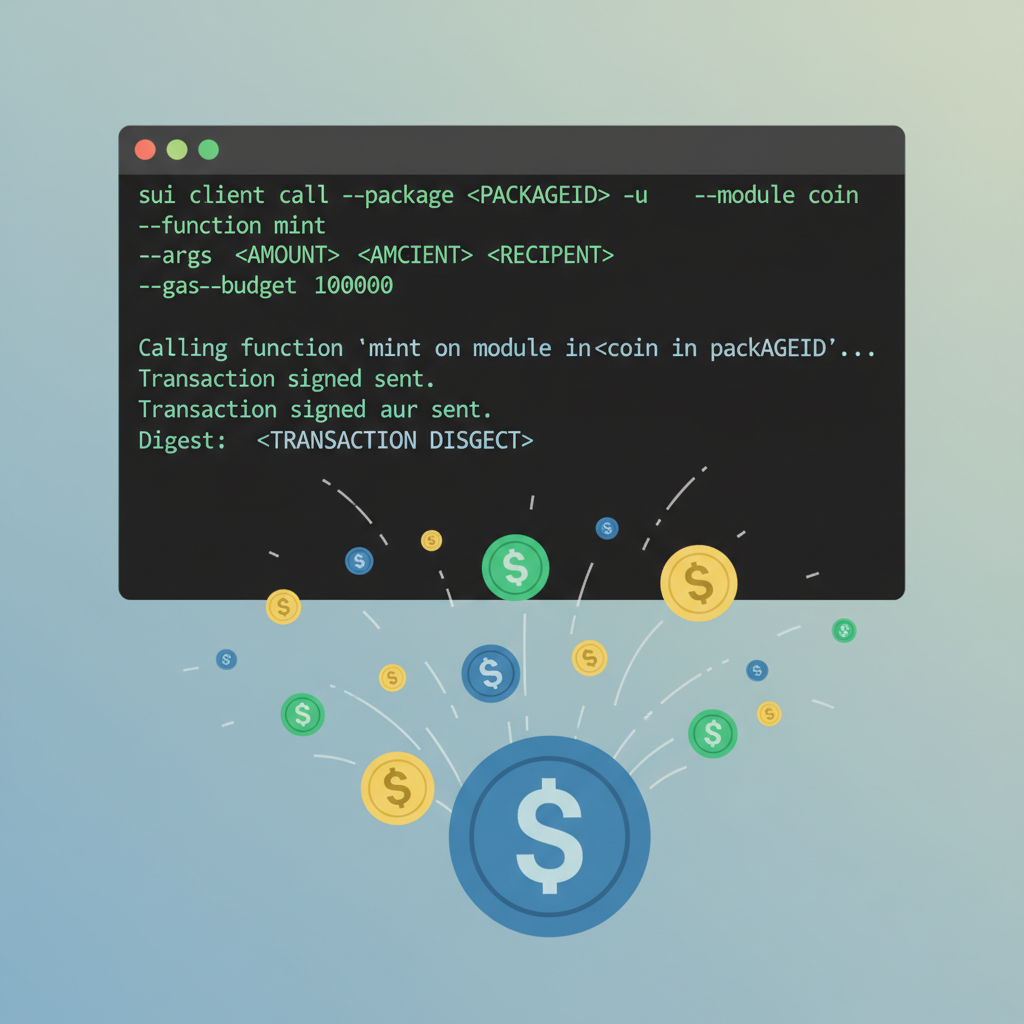
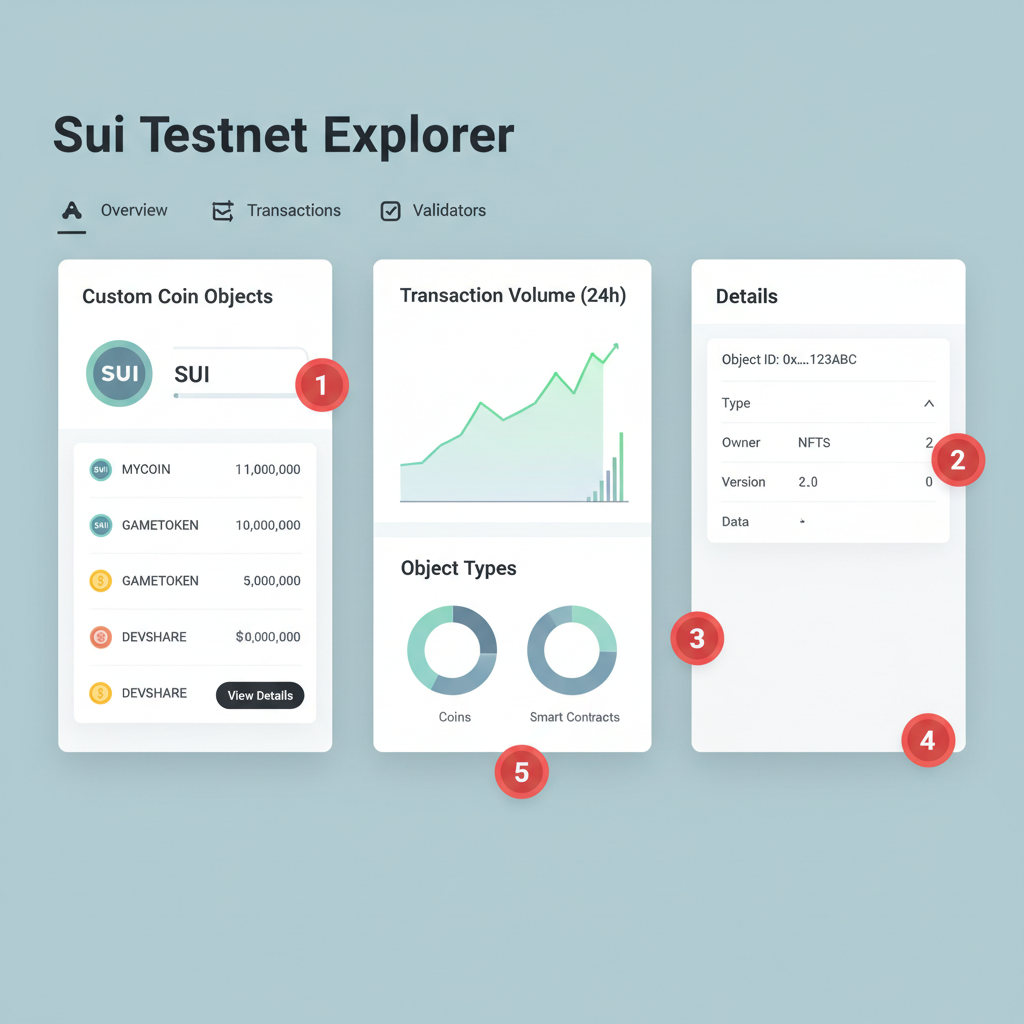
Start in your module: use To illustrate secure practices in Sui Move development, here is a thoughtful example of a shared counter module. It pairs a #[shared]-like counter (via `transfer::share_object`) with an admin capability for controlled access. The `increment_counter` function includes capability checks and emits events, embodying conservative best practices such as access verification and safe object sharing while steering clear of pitfalls like unprotected mutations. This module demonstrates capability-based authorization, preventing unauthorized increments on the shared counter. Events ensure auditability, and the design avoids reentrancy or race conditions common in shared state. Use this pattern judiciously in your dApps to maintain security and reliability. Security demands vigilance; Monethic. io's workshop materials highlight patterns like spurious emissions or weak access controls. Always audit capabilities - treat them as vault keys, granting mint or pause powers judiciously. Testnet iterations, free of mainnet costs, build this discipline. CLI mastery precedes frontend integration, vital for user-facing apps. Use TypeScript SDK to query objects and execute transactions. For a counter dApp, fetch the shared object, prompt increments, and display updates via React hooks. Udemy-style guides emphasize owned vs. shared distinctions here, preventing frontend pitfalls like stale state. Conservative developers prototype backend first, then layer UI. This sequence, preached in Sui's object model workshops, ensures backend solidity before cosmetic polish. With testnet faucets abundant, iterate endlessly, honing for production where Sui's parallel execution shines in high-throughput scenarios. Custom coins exemplify this flow: Stackademic tutorials outline treasury caps frozen post-mint, enabling fair launches. Publish, mint 1M units, distribute via transfer. Verify balances via explorer, confirming Sui's object permanence. Gas hovers low, often pennies at scale, underscoring efficiency for deploy Sui smart contract testnet. These mechanics prepare for complex dApps - NFT minters with royalties or DEX pools with liquidity math. Each layer compounds knowledge, much like diversified portfolios weathering volatility. Sui's $1.13 price, post its 24-hour range of $1.08 to $1.15, signals maturity; developers entering now capture ecosystem tailwinds. Transition to mainnet demands due diligence: upgrade packages immutably, migrate objects carefully. Leverage Sui's dev portal for advanced topics like PTBs for dynamic UIs. Join Discord audits or GitHub issues, echoing workshop camaraderie. 2026's Move on Sui workshop 2026 slate - Taipei with NTUT, Paris bootcamp - fosters such networks. Encode Club fundamentals complement, but live coding accelerates. Online playlists like MoveDAO's 25-lesson series fill gaps, featuring Supra's Keith Dumont unpacking Sui Move fundamentals. Forums buzz with object model queries; resolve via Sui docs' Hello World expansions. Persistent practice, not one-off tutorials, forges expertise. As Sui holds $1.13 amid macro caution, its developer tools promise sustained relevance, rewarding those who invest time deliberately. #Secure Shared Counter Module with Admin Capabilities
```move
module counter::secure_counter {
use std::option;
use sui::object::{Self, UID};
use sui::tx_context::{Self, TxContext};
use sui::transfer;
use sui::event;
/// A shared counter object that can be incremented only by admin.
struct Counter has key, store {
id: UID,
value: u64,
}
/// Admin capability to control the counter.
struct AdminCap has key { id: UID }
/// Event emitted on increment.
struct IncrementEvent has copy, drop {
old_value: u64,
new_value: u64,
}
/// Initialize the module: create admin cap and shared counter.
fun init(ctx: &mut TxContext) {
let admin_cap = AdminCap {
id: object::new(ctx),
};
transfer::transfer(admin_cap, tx_context::sender(ctx));
let counter = Counter {
id: object::new(ctx),
value: 0,
};
transfer::share_object(counter);
}
/// Increment the counter, requires admin capability.
/// Verifies access via capability ownership.
public entry fun increment_counter(
counter: &mut Counter,
_: &AdminCap,
ctx: &mut TxContext,
) {
let old_value = counter.value;
let new_value = old_value + 1;
counter.value = new_value;
event::emit(IncrementEvent {
old_value,
new_value,
});
}
}
```Bridging to Frontend for Full dApp Experience
Deploy Custom Coin on Sui Testnet: Precise Step-by-Step Guide
Scaling to Production and Community Engagement




No comments yet. Be the first to share your thoughts!