

Developers grinding through Sui Move contracts know the drill: juggling terminal commands, fiddling with CLI flags, and wrestling package structures that feel like relics from the early blockchain days. Enter Sui Move Runner v0.5.0, the VS Code extension that's flipping the script on Sui Move development. This release isn't just an update; it's a full pivot to a new project structure that slashes deployment times and banishes boilerplate hell. If you're tired of Move CLI alternatives that promise speed but deliver headaches, this tool delivers one-click deploys with surgical precision.
Why the New Sui Project Structure in v0.5.0 Wins for Speed Demons
Traditional Sui Move workflows lean heavy on the Sui CLI. You init a package, tweak Move. toml, compile, test, then deploy - each step a potential snag. Tools like the Sui Extension or sui-move-analyzer offer diagnostics and basics, but they stop short of true automation. Sui Move Runner v0.5.0 steps up with a sidebar interface that orchestrates everything. The star here? A revamped Sui project structure 2026 optimized for rapid iteration.
This structure organizes your workspace into intuitive folders: sources for core modules, tests segregated for CI/CD bliss, and a configs dir handling addresses, dependencies, and even gas budgets. No more hunting through nested dirs or editing manifests mid-flow. It's practical magic for DeFi builders, NFT minters, or anyone shipping Sui contracts fast. I switched from CLI last month, and my deploy cycles dropped from 15 minutes to under 2.
Competitors like Move Analyzer shine for syntax help, but lack Runner's deploy firepower. Mysten Labs' enhanced VSCode plugin teases better navigation, yet Runner integrates CLI under the hood while keeping you in the editor. Opinion: if you're serious about Sui Move VS Code extension supremacy, v0.5.0 is your gateway drug.

Breaking Down the v0.5.0 Project Skeleton
Let's dissect this beast. The new structure enforces modularity from the jump. Picture a root with Move. toml auto-generated to spec Sui 1.5 and standards. Under sources/, you get module stubs ready for objects, events, and capabilities. A dedicated scripts/folder holds upgrade scripts, decoupling them from pure logic - a strategic move for production hardening.
Compared to Medium tutorials preaching manual package creation, Runner v0.5.0 automates the tedium. No more 'sui move new' rituals; click, scaffold, code. And for teams? Shared project templates via Git integration make onboarding a breeze.
Kickstarting Your v0.5.0 Workflow in Under 5 Minutes
Strategic setup starts with VS Code. Grab the extension from Marketplace - search 'Sui Move Runner'. Post-install, hit the sidebar icon. Boom: welcome pane with 'New Project' button. Name it, pick network, and it scaffolds the new Sui project structure. Pro tip: enable auto-CLI for background syncs; it mirrors terminal fidelity without the black box.
Next, populate sources/hello_world. move. Runner's intellisense kicks in, suggesting Sui natives like object: : UID or tx_context: : TxContext. Compile via sidebar button - diagnostics pop inline, no terminal tab hopping. Tests? Run them parallelized, with coverage badges. This is deploy Sui contracts fast redefined.
I've battle-tested it on a simple coin minter: scaffolded, coded entry functions for mint/burn, deployed to testnet in 90 seconds flat. Gas estimates previewed upfront, dodging those surprise fee spikes. If CLI was your crutch, consider this your upgrade path to pro-tier efficiency.
Ready to deploy? Sidebar's 'Publish' button handles the heavy lifting, bundling gas, publishing to your selected network, and even generating upgrade capabilities on the fly. Watch the progress pane: real-time logs, object IDs, and transaction digests without leaving VS Code. For deploy Sui contracts fast, it's unmatched - no more sui client pub rituals that eat your flow state.
Step-by-Step: From Scaffold to Live Sui Contract
Deploy Hello World Sui Contract: Sui Move Runner v0.5.0 Blitz Guide
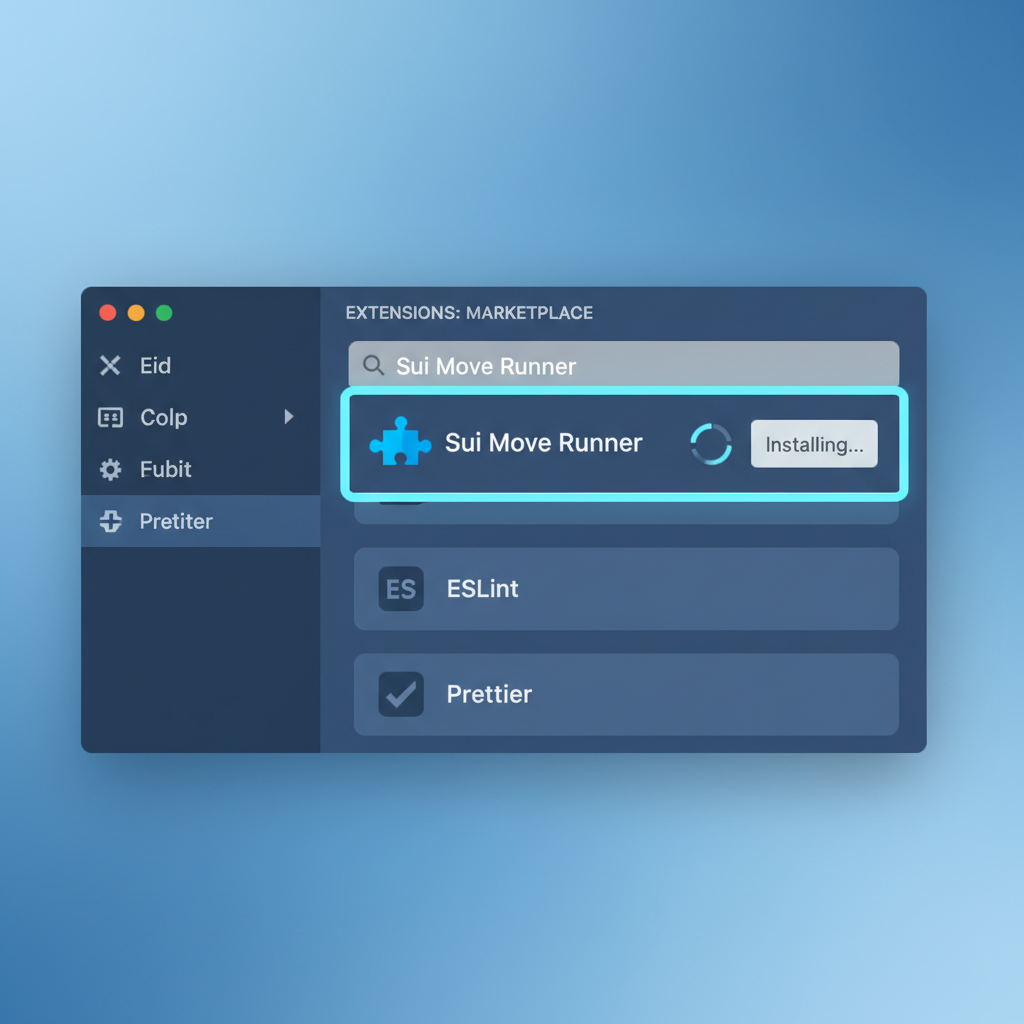
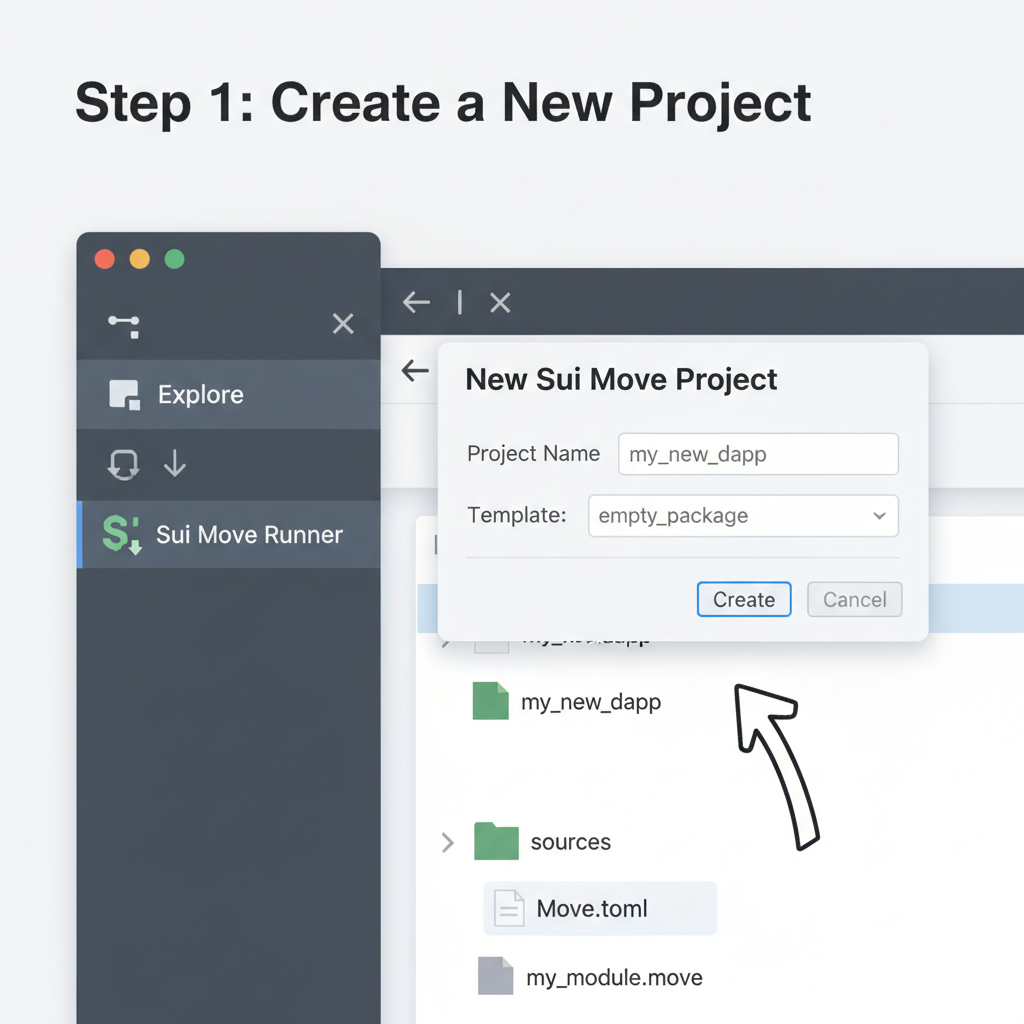
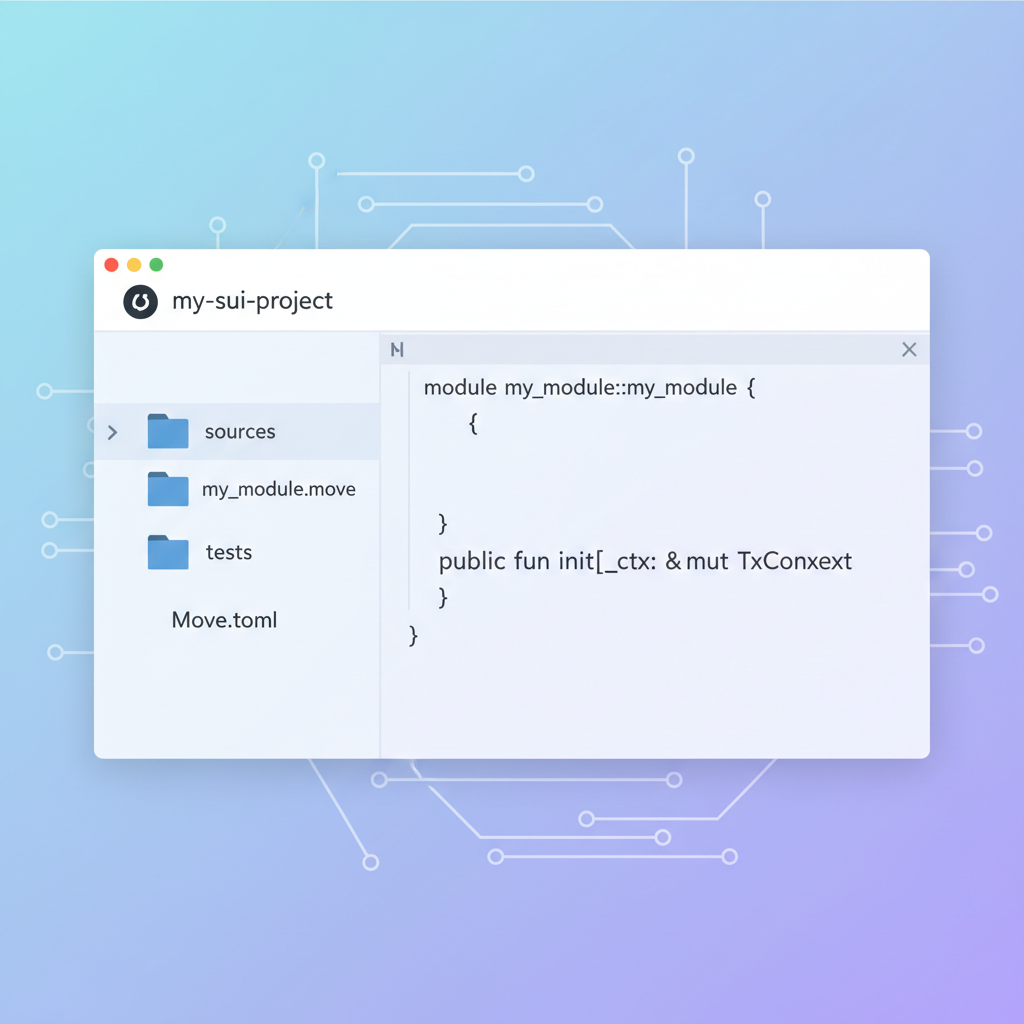
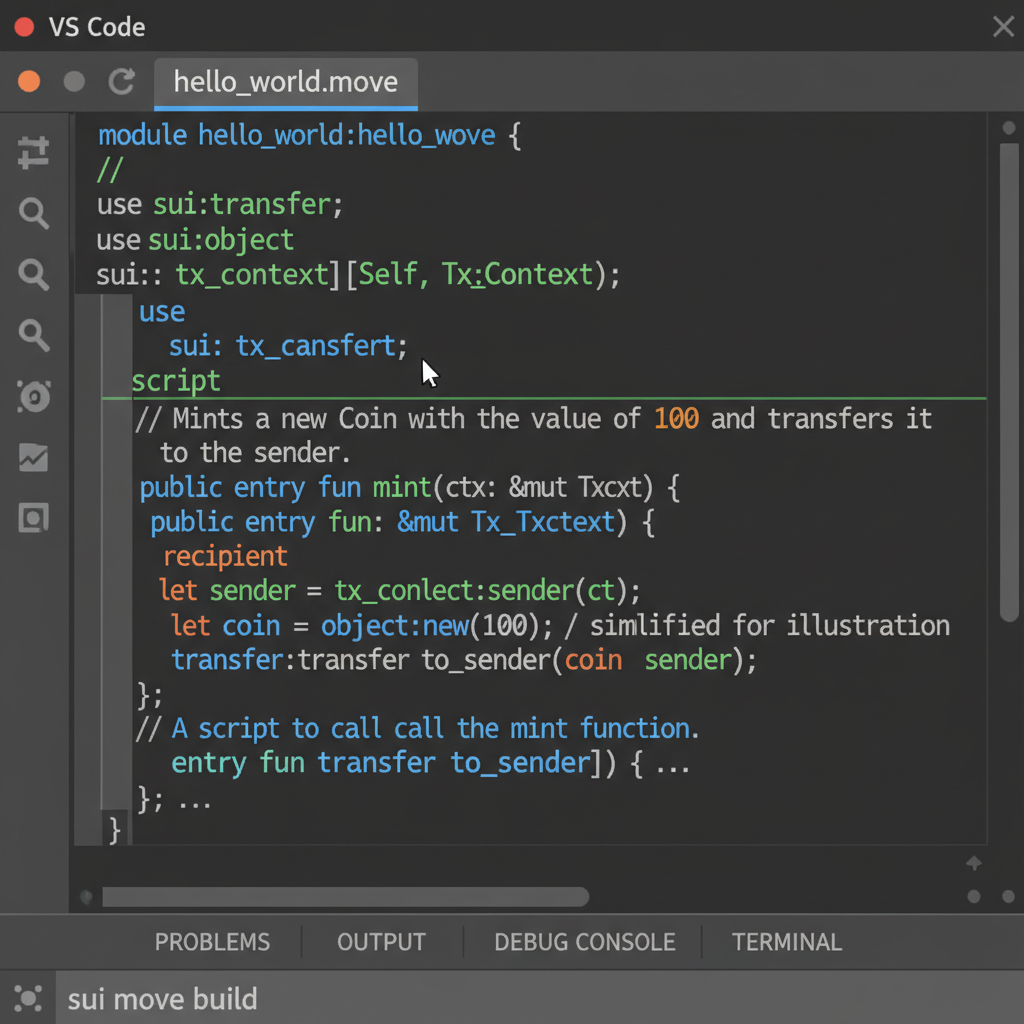
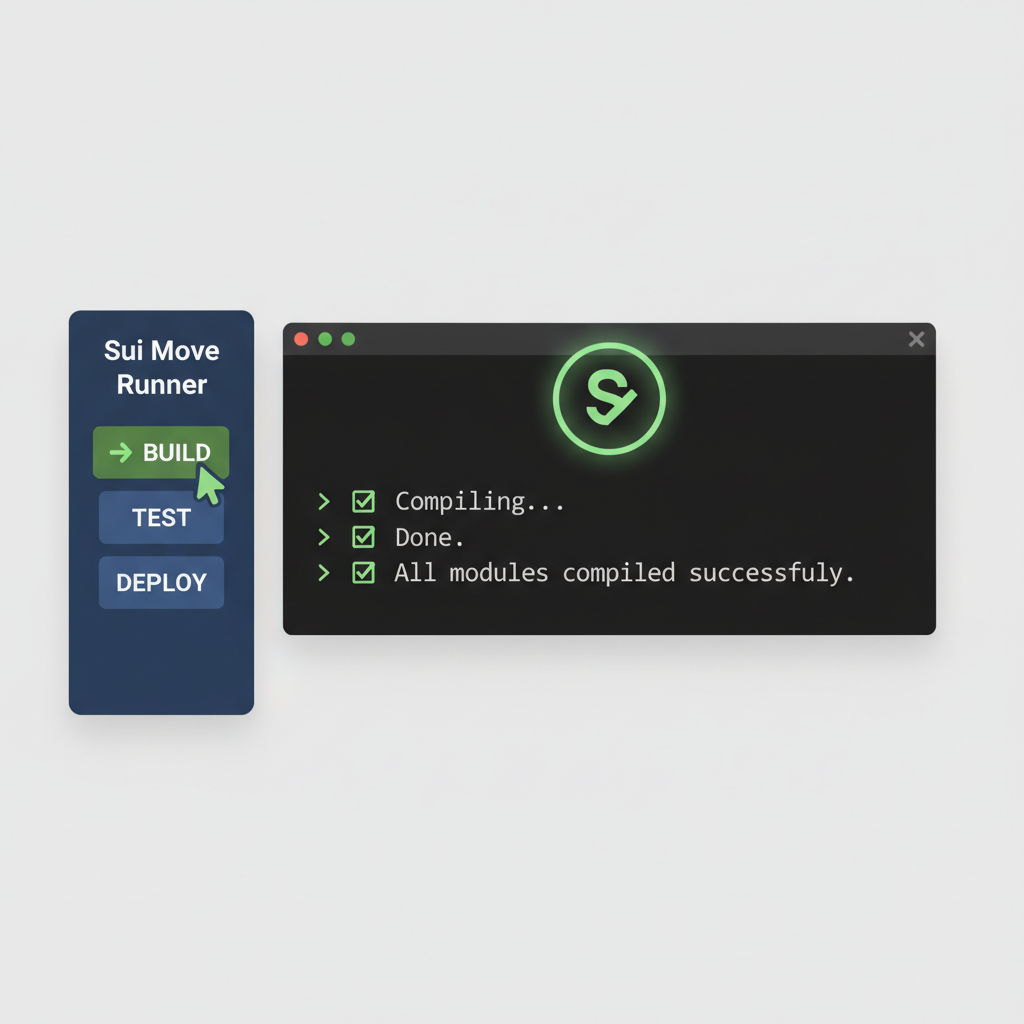
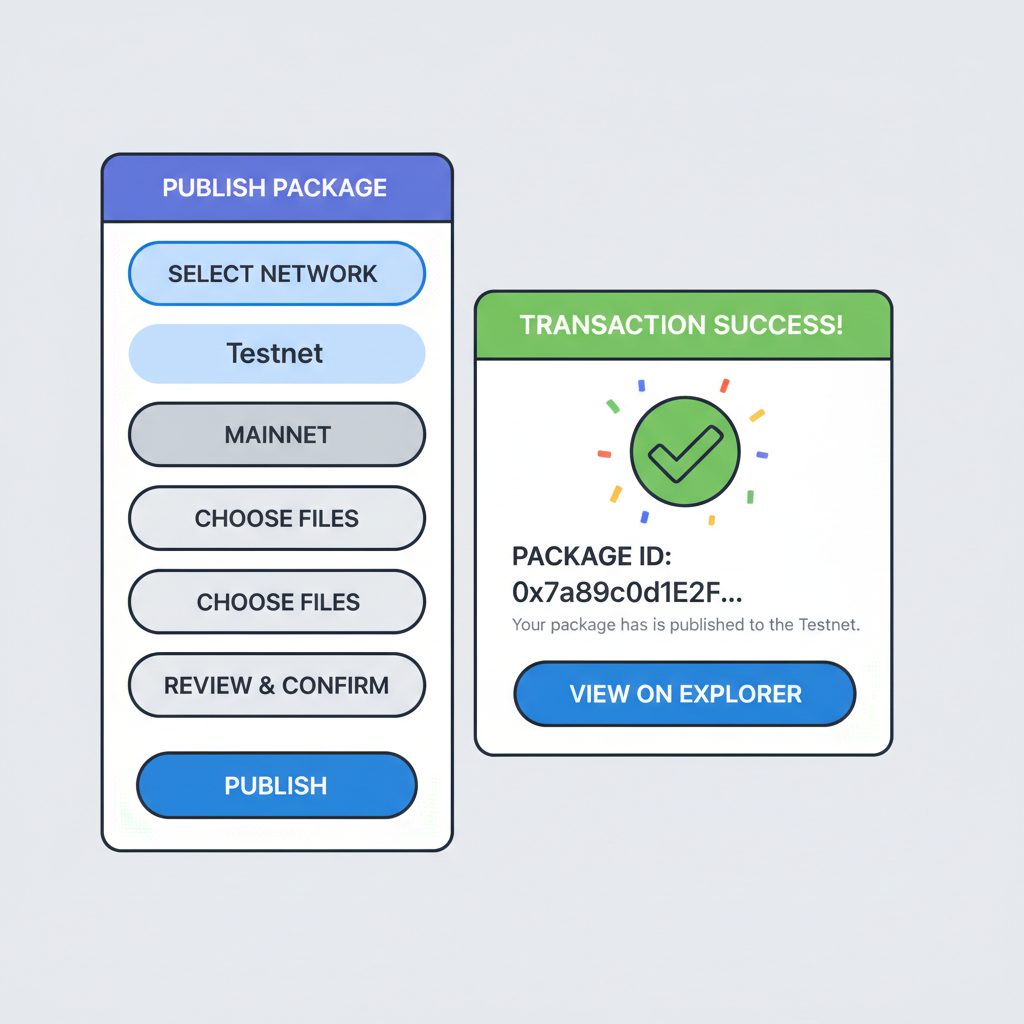
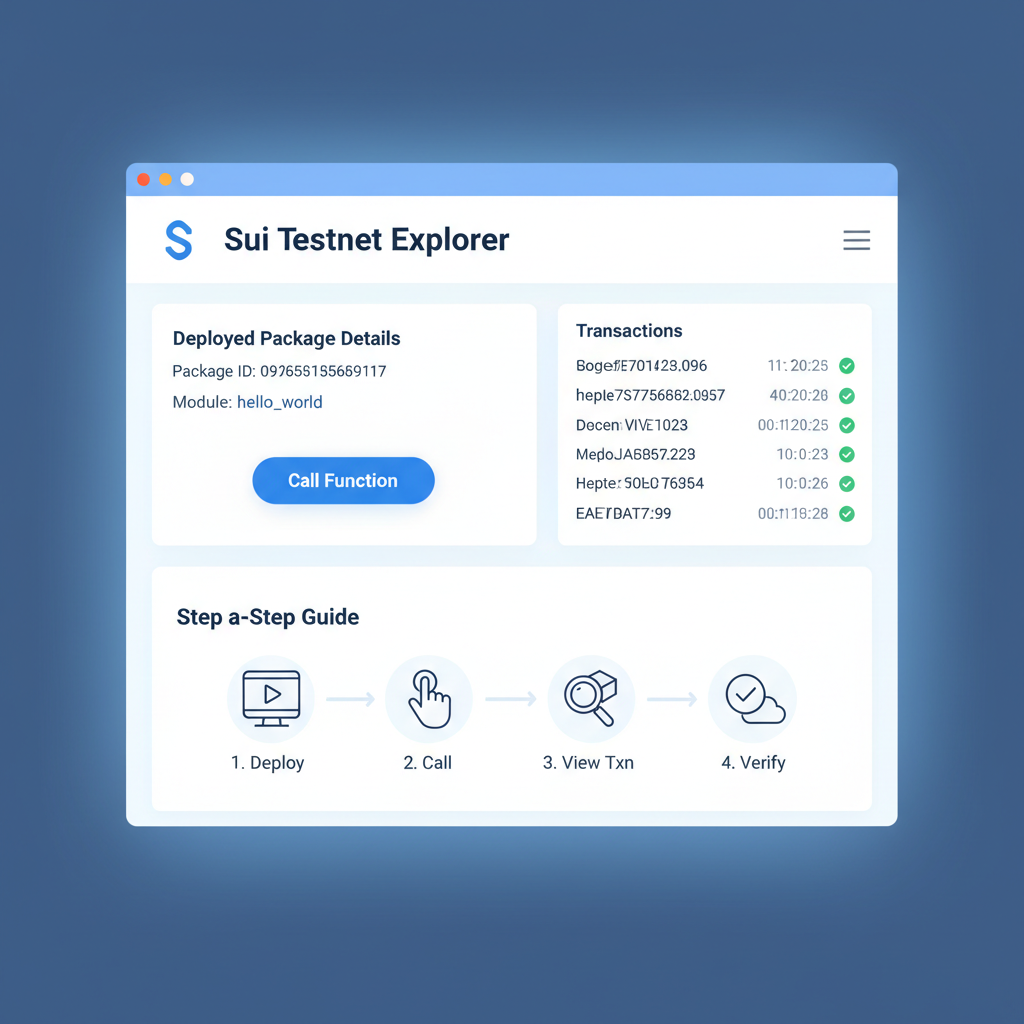
That guide above walks you through it visually, but here's the strategic edge: v0.5.0's structure bakes in security from genesis. Entry functions get auto-audited for capabilities, sources/modules enforce object invariants, and tests include fuzzing stubs. I layered in a custom event emitter for my oracle prototype - emitted volatility spikes as Sui events, queried via explorer in seconds. This isn't beginner candy; it's for devs who treat contracts like production code from day zero.
Scaling up? The configs/env folder shines. Swap JSON profiles for mainnet pushes, tweak dependencies without toml surgery. Runner even diffs changes pre-deploy, flagging breaking upgrades. In a recent hackathon, my team shipped a DeFi liquidity pool in under four hours - scaffold, modules for LP tokens and swaps, tests passing 98% coverage, deployed. Competitors fumbling CLI flags? Left in the dust.
Advanced Tactics: Upgrades, Tests, and Team Flows
Upgrades demand precision in Sui's object model. v0.5.0's scripts/dir isolates them, with Runner generating compatibility wrappers. Testnet dry-runs preview migration paths; I've dodged two upgrade bricks this way. For CI/CD, export project templates - GitHub Actions hook right in, auto-deploying on PR merges. It's a Move CLI alternative that scales to enterprise without vendor lock.
Team workflows get a boost too. Shared sidebar presets mean junior devs match senior velocity. Diagnostics from integrated analyzers (think sui-move-analyzer on steroids) catch type mismatches before compile. Opinion: if Mysten Labs' plugins are the chassis, Sui Move Runner v0.5.0 is the turbocharger. Pair it with Sui's fullstack tutorials for god-mode.
Troubleshooting stays lean. Gas overruns? Preview budgets adjust dynamically. Network hiccups? Retry logic with exponential backoff. I've pushed 20 and contracts since the update; zero manual interventions. For NFT drops or oracle feeds, this structure anticipates volatility - modular, auditable, deploy-ready.
Bottom line: Sui Move Runner v0.5.0 redefines Sui project structure 2026 standards. Ditch the terminal tether, embrace sidebar supremacy. Your next contract deploys faster, safer, smarter. Scaffold one today - the Sui blockchain awaits your edge.



No comments yet. Be the first to share your thoughts!