

Developers building on the Sui blockchain are entering an exciting era with Sui Move Runner v0.5.0, a VS Code extension that transforms how we handle Sui Move projects. This release brings full support for the new project structure, enabling smoother workflows for creating, building, and deploying Move smart contracts directly from your editor. No more wrestling with fragmented CLI commands; everything integrates into an intuitive sidebar, accelerating development cycles while minimizing errors common in decentralized app builds.
The extension, available via blockchainBard101's GitHub repository, automates Sui CLI interactions, making it ideal for both newcomers mastering Sui project structure basics and veterans optimizing complex DeFi or NFT contracts. Imagine initializing a package, coding modules in the sources directory, and publishing to testnet with a single click. This forward-thinking design positions Sui Move Runner as essential tooling for the Move ecosystem's growth.
Streamlining Installation for Instant Sui Move Runner Access
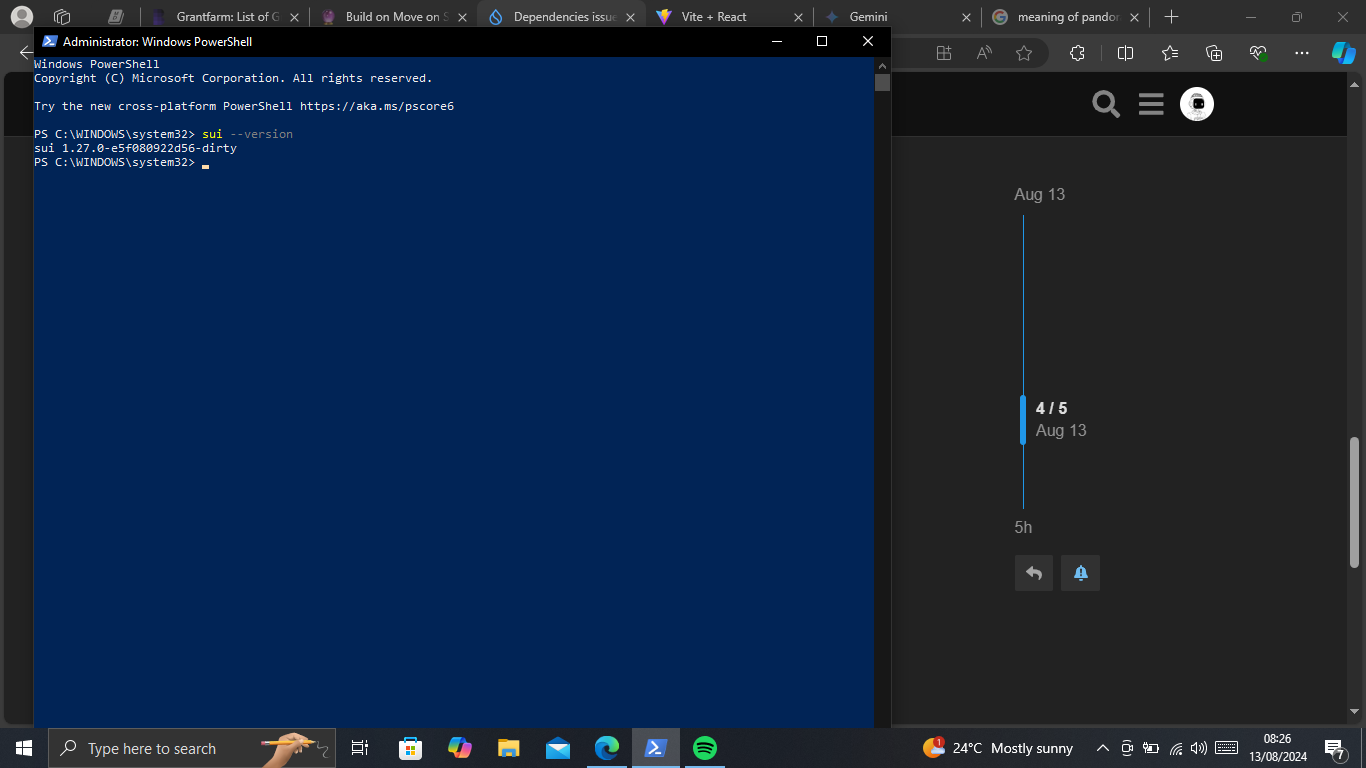
Getting started requires minimal setup, ensuring you spend more time coding than configuring. First, install the Sui CLI globally using your package manager of choice, such as cargo or platform-specific installers. Verify with sui --version; it handles building and publishing under the hood. Head to the VS Code Extensions marketplace, search for "Sui Move Runner, " and install from the official source. Reload VS Code, and the sidebar appears, ready for action.
This process mirrors efficiency seen in top-tier extensions like those for Swift or other languages, but tailored for Sui's object-centric model. Once active, configure your Sui network endpoint and active address via the sidebar settings. Pro tip: Always point to testnet initially to safeguard mainnet assets during experimentation.

Initializing Projects with the New Sui Structure
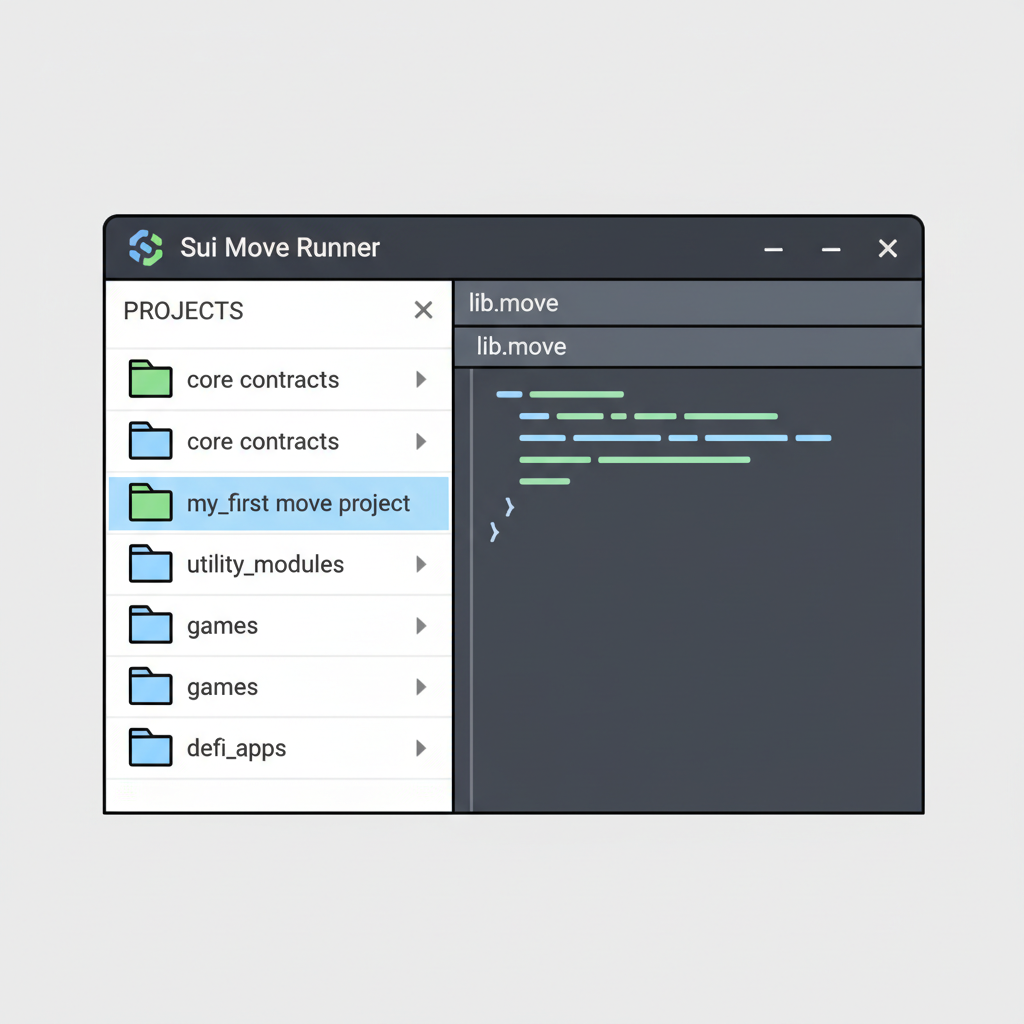
The hallmark of v0.5.0 is its embrace of the updated Sui project structure, created effortlessly with sui move new PACKAGE_NAME. This command scaffolds a directory boasting a Move. toml manifest, sources folder for modules, and tests directory, aligning perfectly with Sui's latest standards. Open this folder in VS Code, and Sui Move Runner detects it automatically, populating the sidebar with build, test, and publish buttons.
Securely Managing Credentials in Your Workflow
Security remains paramount when deploying Move smart contracts on Sui. Sui Move Runner v0.5.0 integrates. env file support for seed phrases, keeping private keys out of your codebase. Create a. env with PRIVATE_KEY=your_hex_key, add it to. gitignore, and reference it in the extension settings. This diplomatic approach balances convenience with best practices, preventing accidental leaks in git repos.
As you navigate the sidebar, switch networks seamlessly and preview gas estimates before publishing. This setup not only supports deploy Sui contracts VSCode dreams but anticipates future enhancements like multi-package workspaces, promising even richer integrations ahead. With these foundations, you're primed to explore advanced deployments in the latter half.
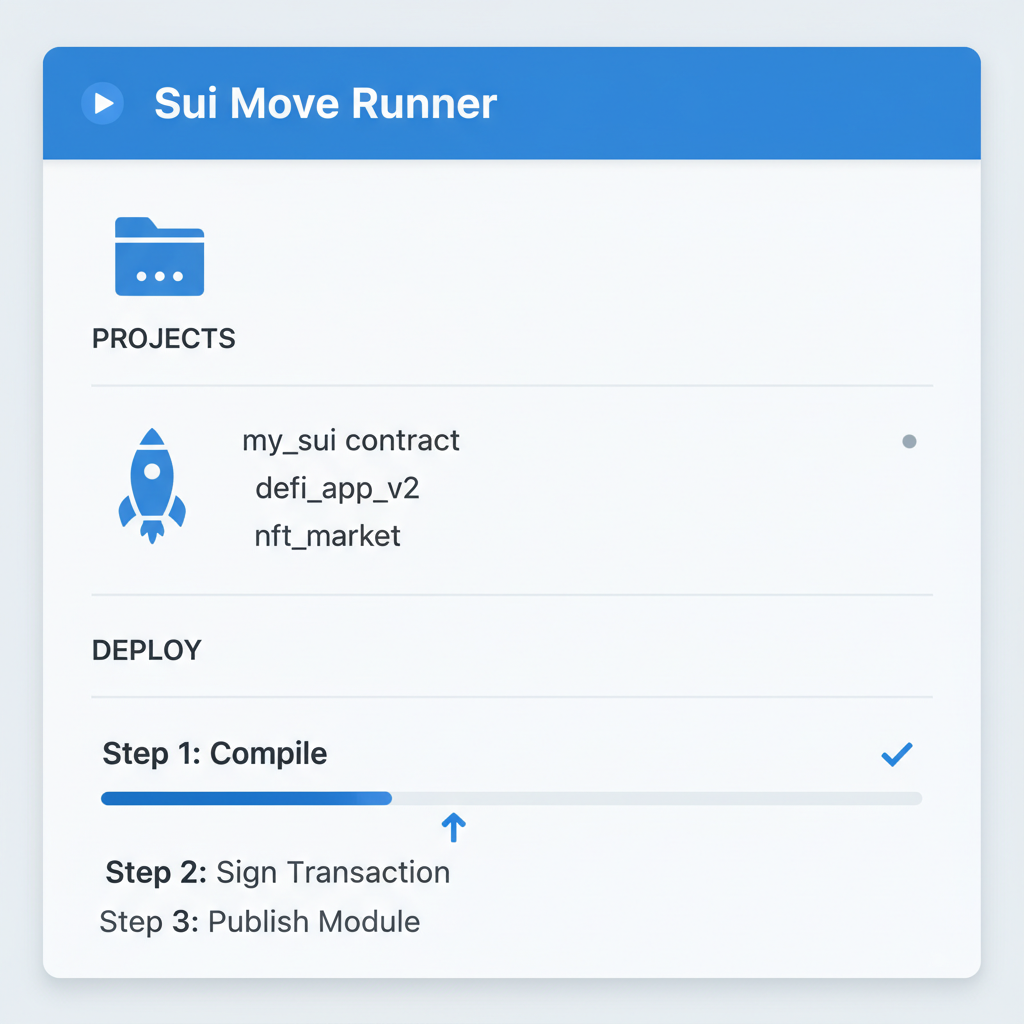
Now that your project hums along with the new Sui project structure, let's dive into the deployment phase where Sui Move Runner v0.5.0 truly shines. One-click publishing strips away the tedium of manual CLI juggling, letting you focus on crafting robust Move smart contracts on Sui. Picture this: your counter module compiled flawlessly, gas budget previewed, and ready to launch on testnet in seconds. This isn't just convenience; it's a strategic edge in fast-paced blockchain development.
Crafting and Deploying a Sample Counter Contract
Let's build momentum with a practical example. In your sources directory, author a counter module that increments and retrieves values, leveraging Sui's object model. The extension's real-time validation flags ability mismatches early, saving hours of debug cycles. Once satisfied, hit the sidebar's publish button; it orchestrates sui client publish with your configured gas budget, outputting the transaction digest for verification on Sui Explorer.
Counter Move Module with Key and Store Abilities
To illustrate the fundamentals of Sui Move programming, consider this simple Counter module. It defines a Counter object with the essential key and store abilities, enabling object creation, mutation through an increment operation, and value querying—all within a clean, reusable structure compatible with Sui Move Runner v0.5.0.
```move
module counter::counter {
    use sui::object::{Self, UID};
    use sui::tx_context::TxContext;

    /// A simple counter object that can be stored and shared on Sui
    struct Counter has key, store {
        id: UID,
        value: u64,
    }

    /// Create a new Counter object initialized to zero
    public entry fun create(ctx: &mut TxContext): Counter {
        Counter {
            id: object::new(ctx),
            value: 0,
        }
    }

    /// Increment the counter's value by 1
    public entry fun increment(counter: &mut Counter) {
        counter.value = counter.value + 1;
    }

    /// Retrieve the current value of the counter (view function)
    public fun value(counter: &Counter): u64 {
        counter.value
    }
}
```
This module serves as an excellent starting point for Sui development. Leveraging the new project structure support in Sui Move Runner v0.5.0, you can effortlessly compile, test, and deploy it, unlocking endless possibilities for building robust, on-chain applications in the evolving Sui ecosystem.
This workflow embodies the extension's philosophy: automate the repetitive, empower the creative. Deployments to devnet or testnet feel instantaneous, with logs streaming directly in VS Code's output panel. For production, double-check mainnet settings, but always prototype elsewhere first; prudence pays dividends in asset preservation.
Deploy Sui Contracts Effortlessly: Sui Move Runner v0.5.0 Sidebar Guide



Testing Modules Without Leaving Your Editor
Validation doesn't end at build. Sui Move Runner v0.5.0 extends its prowess to testing, running sui move test from the sidebar. Populate your tests directory with unit scenarios probing edge cases, like overflow protection in counters or access controls in shared objects. Results render inline, with clickable failures jumping to culprit lines. This tight feedback loop refines deploy Sui contracts VSCode processes, catching vulnerabilities before they hit the chain.
In practice, I've found this testing integration transformative for iterative development. No context-switching to terminals; just code, test, tweak, repeat. Pair it with Sui's prover tools for formal verification down the line, and you're fortifying contracts against exploits that plague lesser languages.
Troubleshooting Common Hiccups Gracefully
Even streamlined tools encounter snags. If builds fail, inspect Move. toml dependencies; v0.5.0 auto-resolves Sui SDK versions but flags mismatches. Gas shortfalls? Sidebar previews adjust dynamically. Credential woes trace to. env paths; the extension prompts reconfiguration without halting flow. For network glitches, toggle endpoints swiftly, mirroring Sui's resilient architecture.
These diagnostics, drawn from real-world GitHub issues, underscore the extension's maturity. Community feedback loops, evident in release notes, ensure rapid fixes, positioning Sui Move Runner as a reliable companion amid Sui's evolving ecosystem.
Looking ahead, v0.5.0 lays groundwork for multi-sig support and on-chain upgrade paths, aligning with Sui's Lutris innovations for hybrid consensus. As Move proliferates across blockchains, tools like this extension democratize access, empowering solo devs to rival teams. Embrace it now, and watch your Sui dApps scale securely into tomorrow's DeFi and NFT frontiers. Master these steps, and Sui Move Runner tutorial mastery becomes your superpower.




No comments yet. Be the first to share your thoughts!