

Sui Move React Frontend Integration: Build dApps with Smart Contracts

In the evolving landscape of blockchain development, integrating Sui Move smart contracts with React frontends stands out as a pathway to crafting robust decentralized applications. With Sui’s current price hovering at $0.9615, reflecting a modest 24-hour dip of -0.5420% from a high of $0.9971, the ecosystem’s momentum persists. This price stability amid broader market fluctuations underscores the enduring appeal of Sui’s object-centric model, drawing developers to build scalable dApps that leverage Move’s safety guarantees.

Sui’s architecture, designed for high throughput, pairs naturally with React’s declarative UI paradigm. Developers can harness this synergy to create interactive experiences, from DeFi protocols to NFT marketplaces, without the pitfalls of reentrancy attacks common in other languages. My two decades observing markets teach patience; similarly, in coding, a conservative approach yields sustainable results. Time building on proven stacks like Sui Move beats chasing fleeting trends.
Establishing Your Sui Development Foundation
Before diving into code, assemble the tools that form your workbench. Sui’s CLI and Move analyzer ensure contracts are airtight from the start. Install Node. js for React, then Sui’s suite via Cargo or direct binaries. This setup mirrors institutional portfolio diversification: solid infrastructure supports growth.
Essential Setup: Sui CLI, Move Tools, New Package, and React with Vite
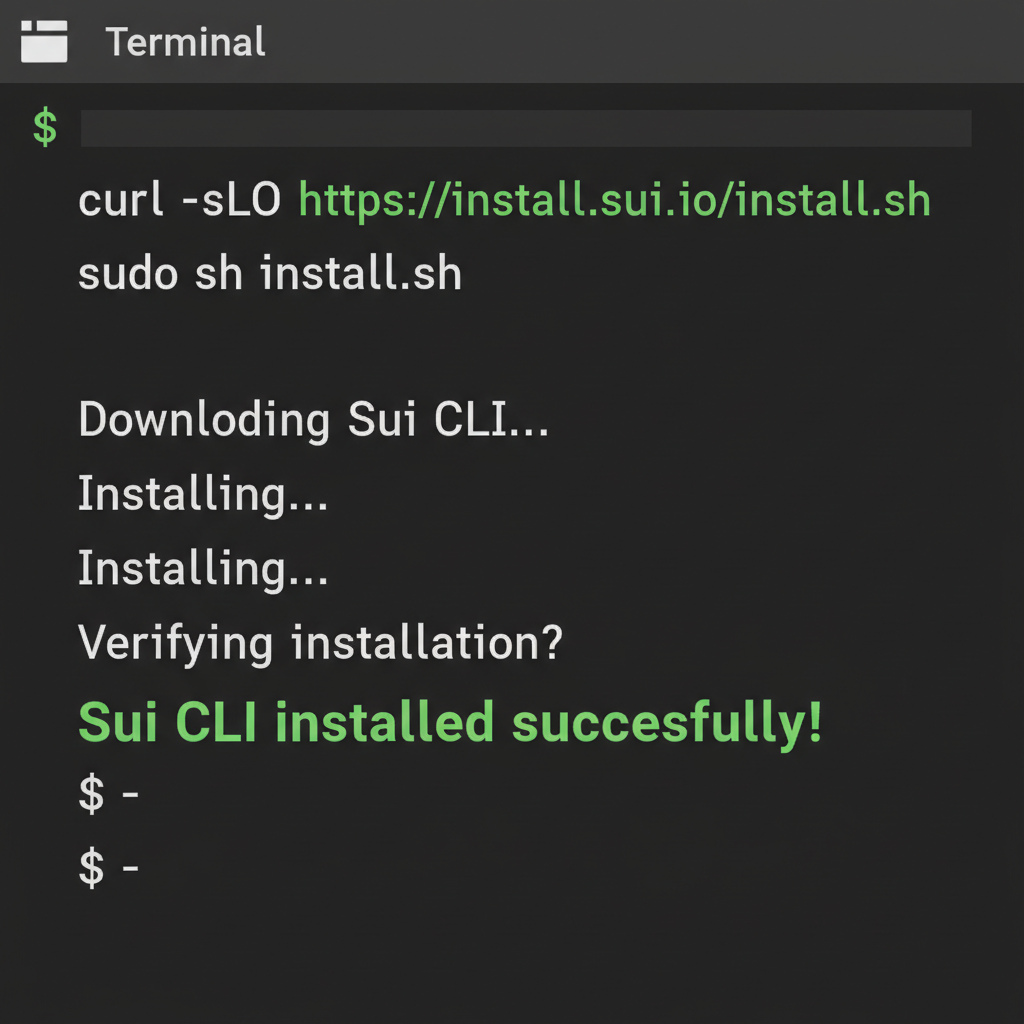
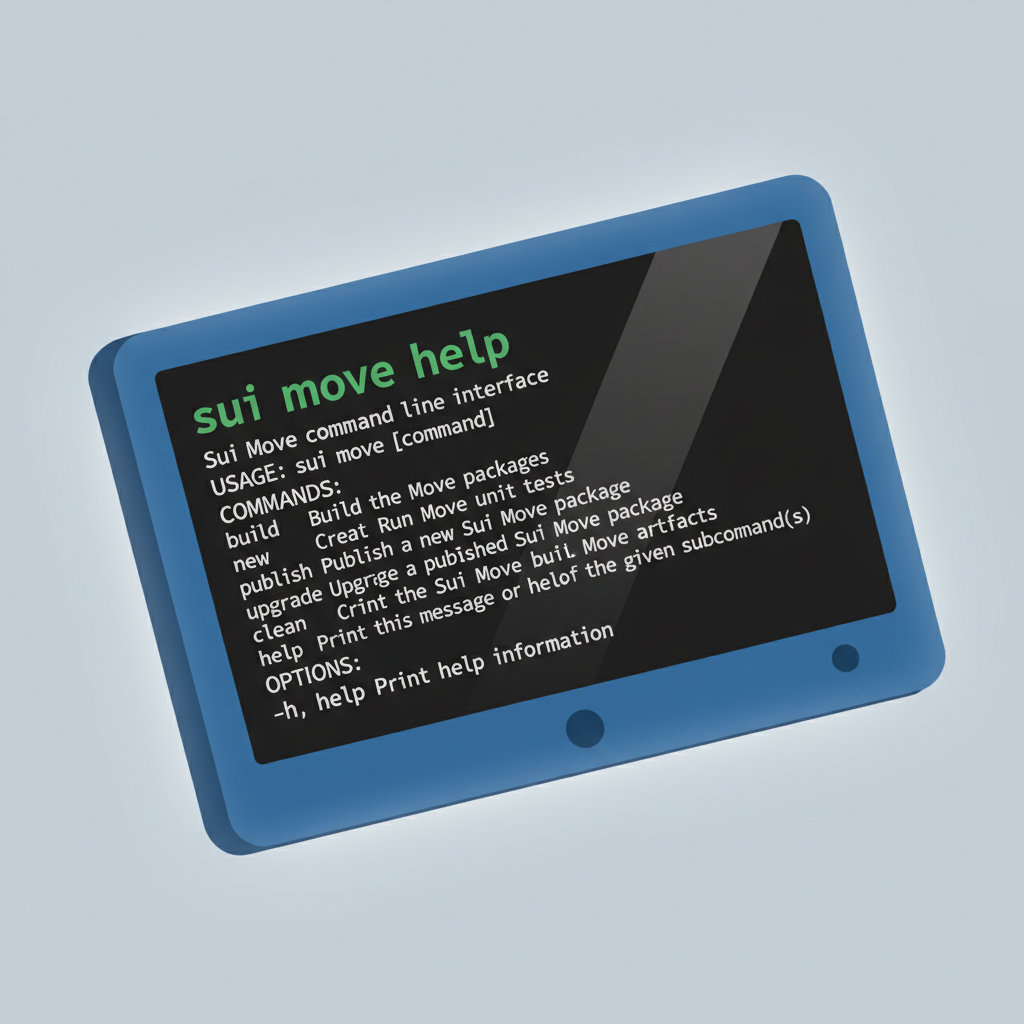
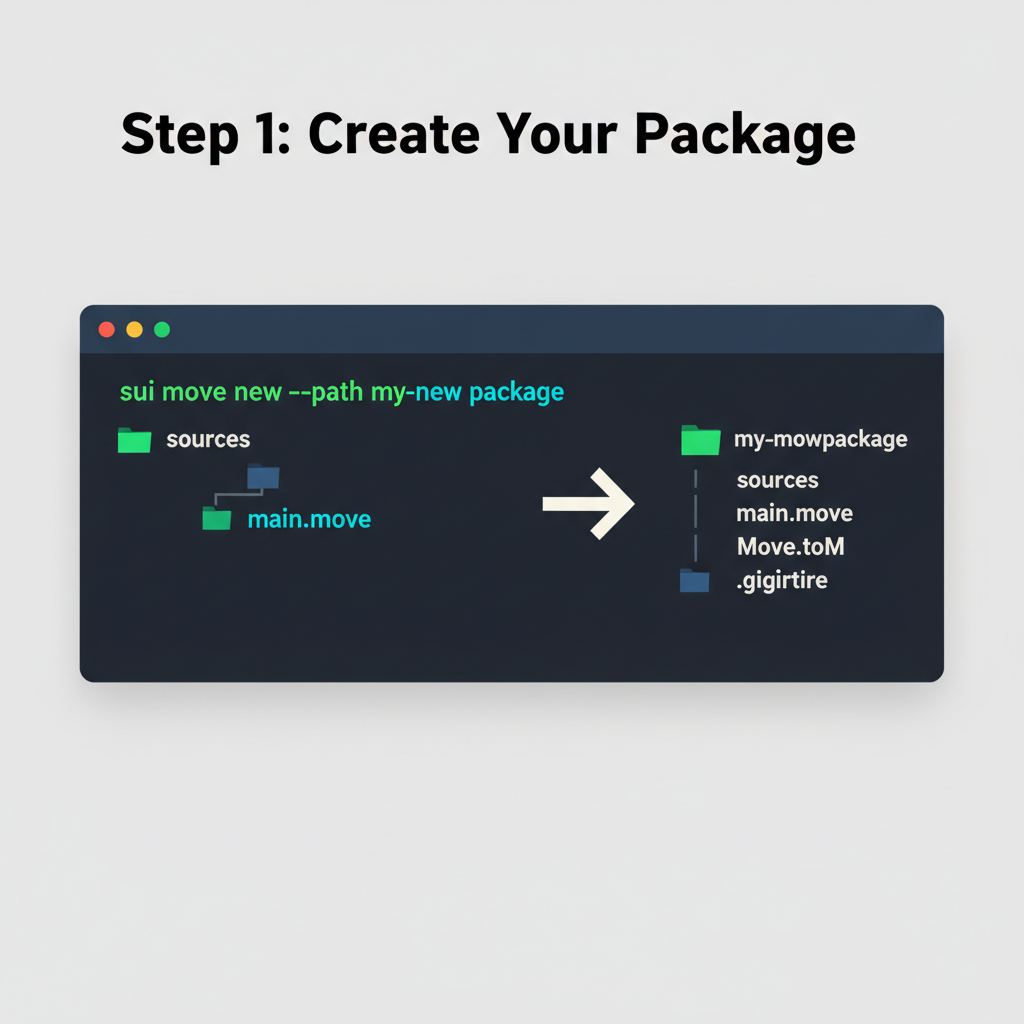
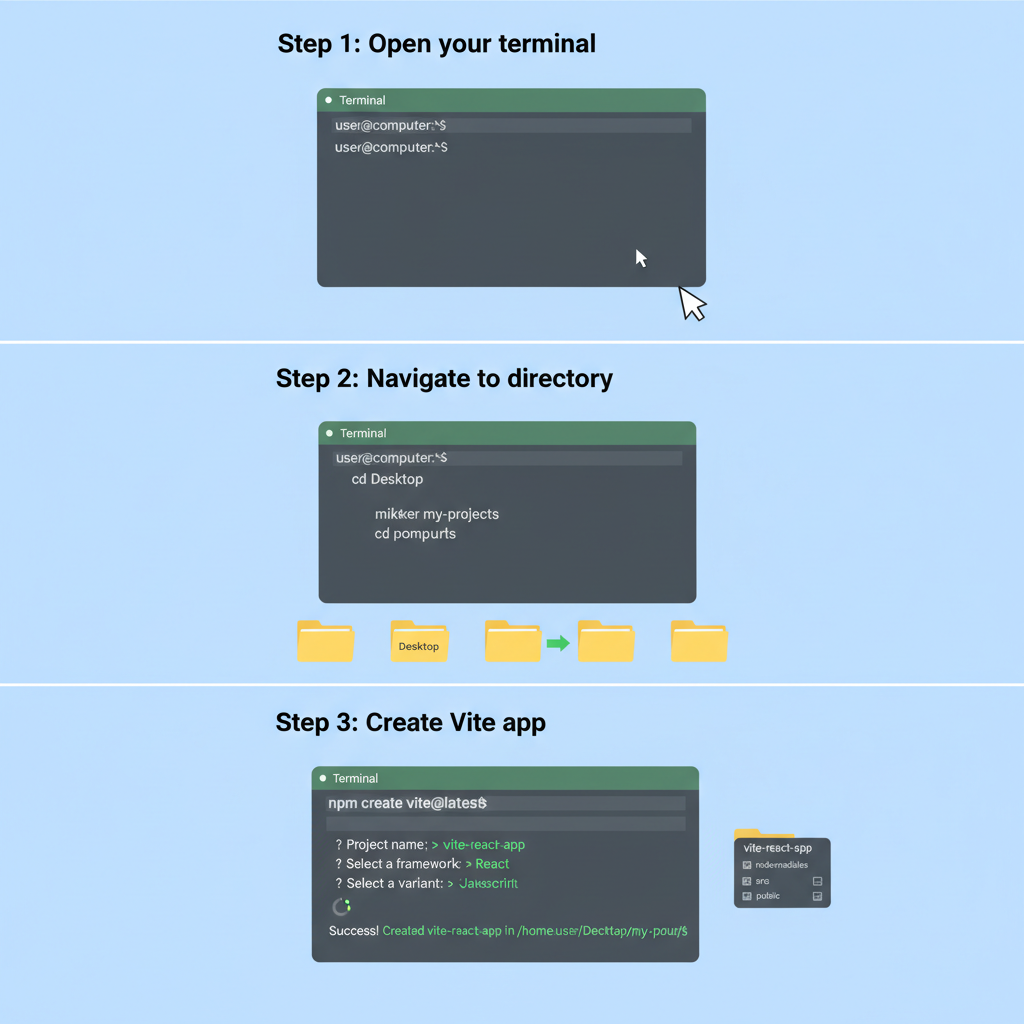

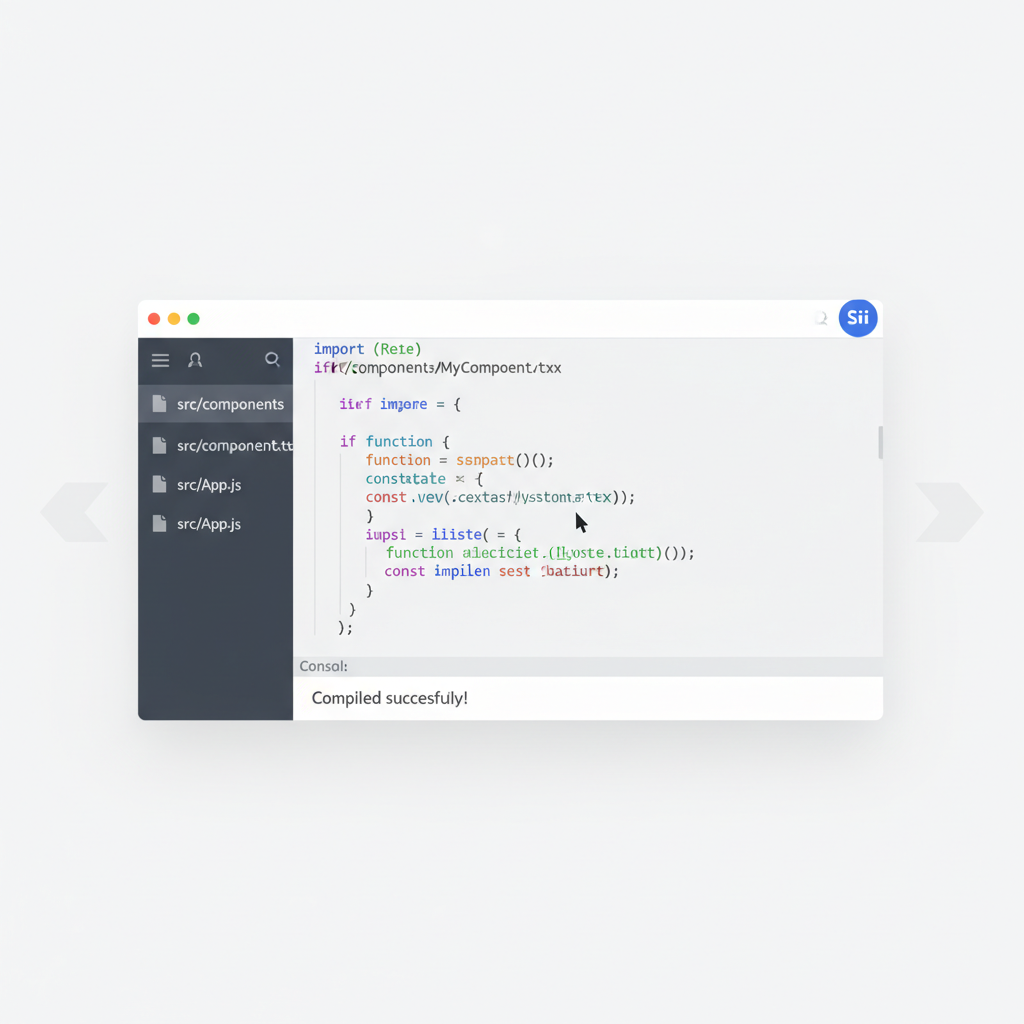
Once equipped, scaffold a Move package. Name it thoughtfully, say ‘counter_module, ‘ to track interactions. Publish to testnet initially; live deployment waits for rigor. React app follows, initialized with create-sui-dapp or Vite for speed.
Authoring Move Modules for Real-World Utility
Move’s resource-oriented semantics enforce ownership, preventing double-spends natively. Consider a simple counter: it increments via public entry functions, queryable on-chain. This module exemplifies Sui Move React integration, where frontend state syncs seamlessly with blockchain truth.
Basic Sui Move Counter Module
Embarking on the journey of integrating Sui Move smart contracts with a React frontend begins with a solid foundation. Consider this straightforward counter module, which encapsulates the essential operations: initialization to create a shared counter object, incrementing its value, and querying the current state. Such simplicity allows us to focus on the mechanics without unnecessary complexity.
```move
module counter::counter {
    use std::option;
    use sui::object::{Self, UID};
    use sui::tx_context::{Self, TxContext};
    use sui::transfer;

    /// A simple counter object
    struct Counter has key {
        id: UID,
        value: u64,
    }

    /// Module initializer, called once upon publishing the module
    fun init(ctx: &mut TxContext) {
        let counter = Counter {
            id: object::new(ctx),
            value: 0,
        };
        transfer::share_object(counter);
    }

    /// Increment the counter value
    public entry fun increment(counter: &mut Counter) {
        counter.value = counter.value + 1;
    }

    /// Retrieve the current counter value
    public fun get_value(counter: &Counter): u64 {
        counter.value
    }
}
```
Having established this core smart contract, we now possess the backend logic ready for deployment on the Sui network. In the subsequent sections, we will methodically connect this module to our React application, enabling seamless interaction.
Compile and test locally using Sui Move’s prover. Errors surface early, a conservative coder’s ally. Deploy to devnet, noting object IDs for frontend queries. Here, narrative unfolds: each transaction etches permanence, much like compounding dividends over cycles.
Seamless Wallet Connections in React
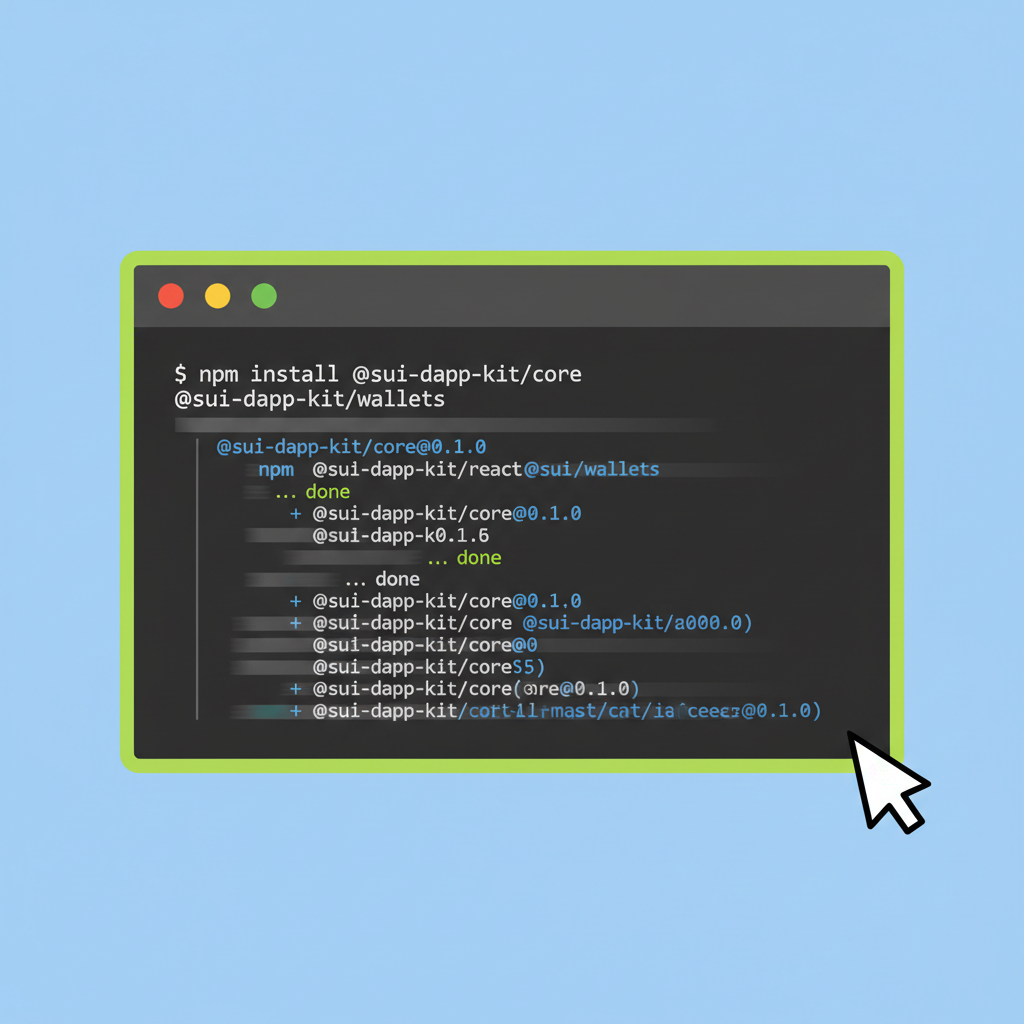
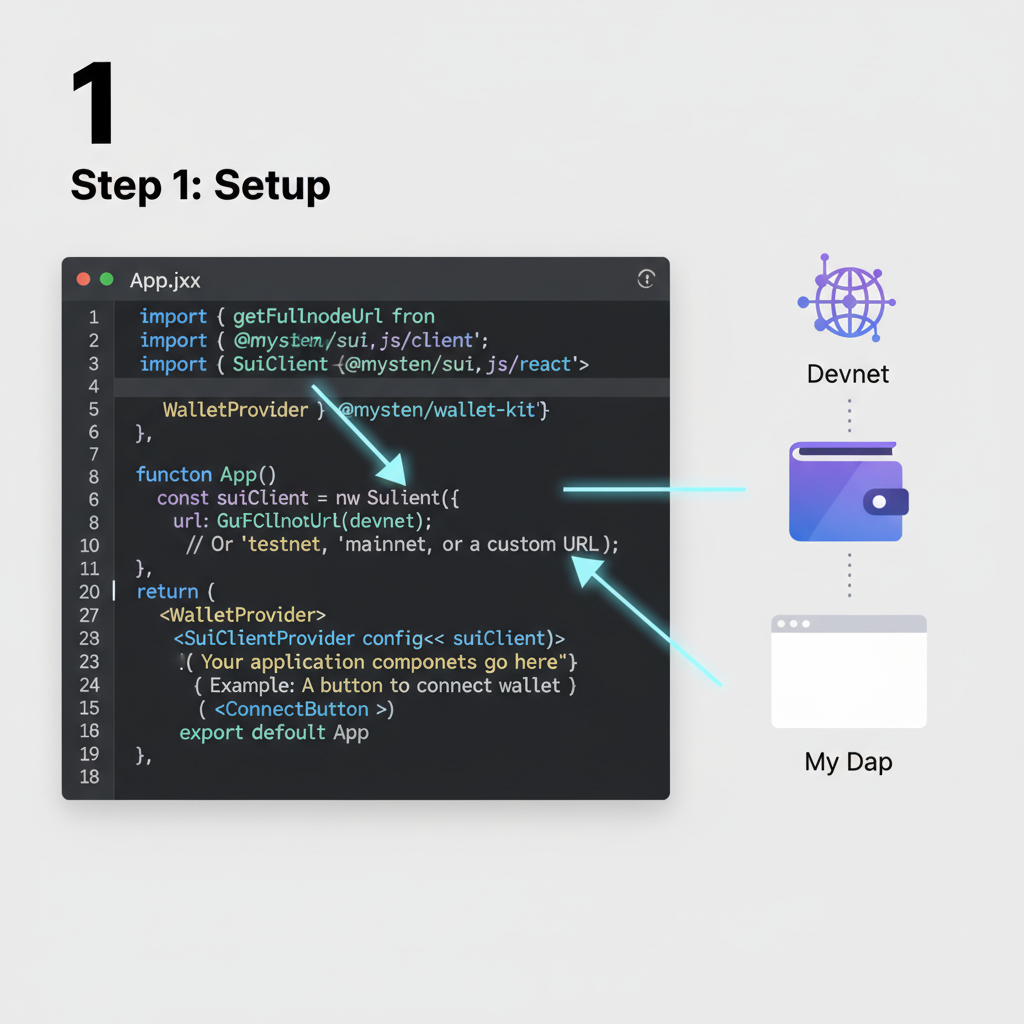
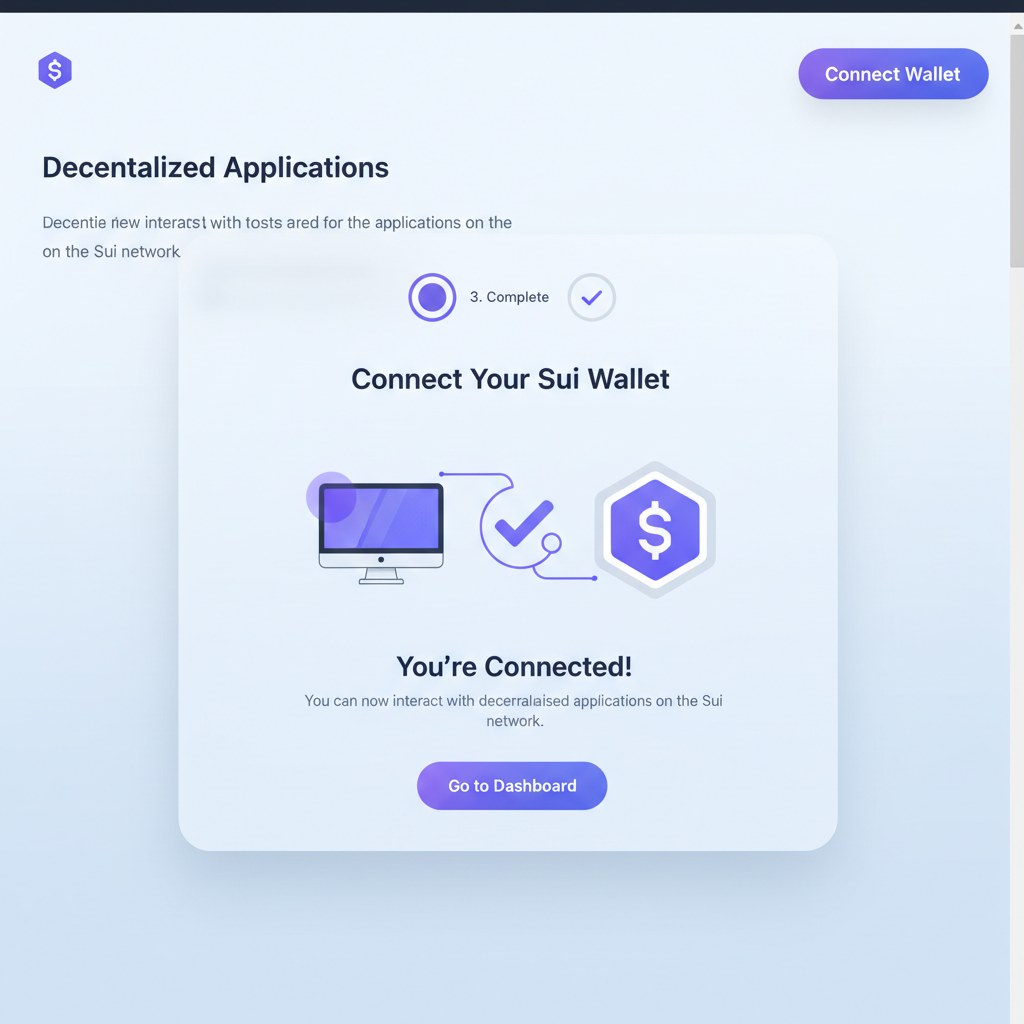
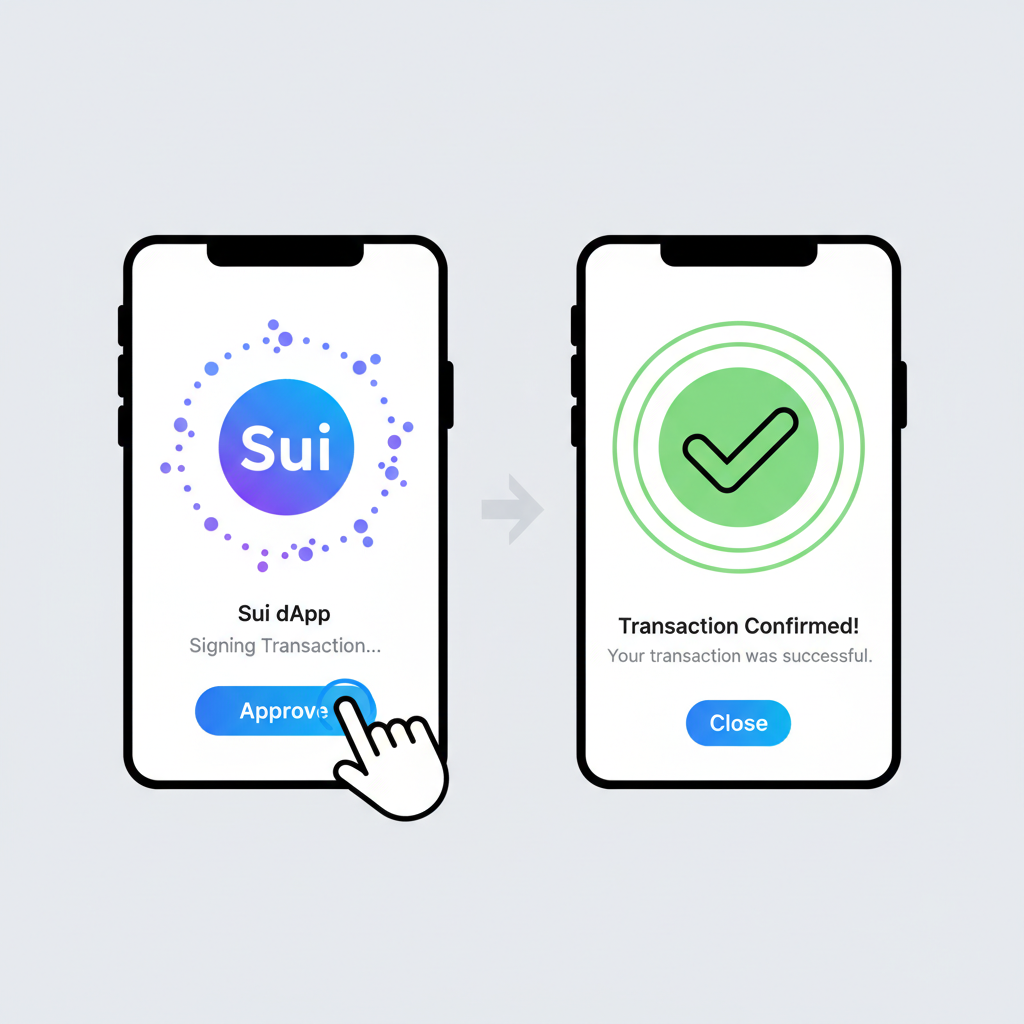
Frontend breathes life into contracts. Use @mysten/dapp-kit for hooks that abstract wallet selection, zkLogin, or Sui Wallet. Themeable components render connection buttons, signers handle moveCall payloads. This Sui dApp frontend tutorial essence lies in minimalism: fetch balances, trigger increments without boilerplate.
Import TransactionBlock, craft calls matching module signatures. Dry-run validates before sponsorship or gas payment. Users interact fluidly; React’s state lifts UI responsiveness. Amid Sui at $0.9615, such tools democratize access, fueling adoption cycles I’ve tracked for years.
Queries via getObject pull module data, rendering in components. Error handling wraps providers, ensuring graceful fallbacks. This bridge, Move to React, powers Move smart contract React harmony, setting stage for advanced patterns like dynamic fields or shared objects.
Dynamic fields extend this foundation, allowing mutable extensions to objects without fixed schemas. In a Sui Move dApp example, attach metadata to NFTs or user profiles, queried efficiently by React hooks. Shared objects enable multiplayer states, like shared counters in games, where multiple signers update collaboratively. Conservative development favors these patterns; they mirror diversified bonds, spreading risk across verifiable structures.
Master Sui dApp Kit Integration with React: Effortless Wallet Connections

Orchestrating Transactions with TransactionBlock
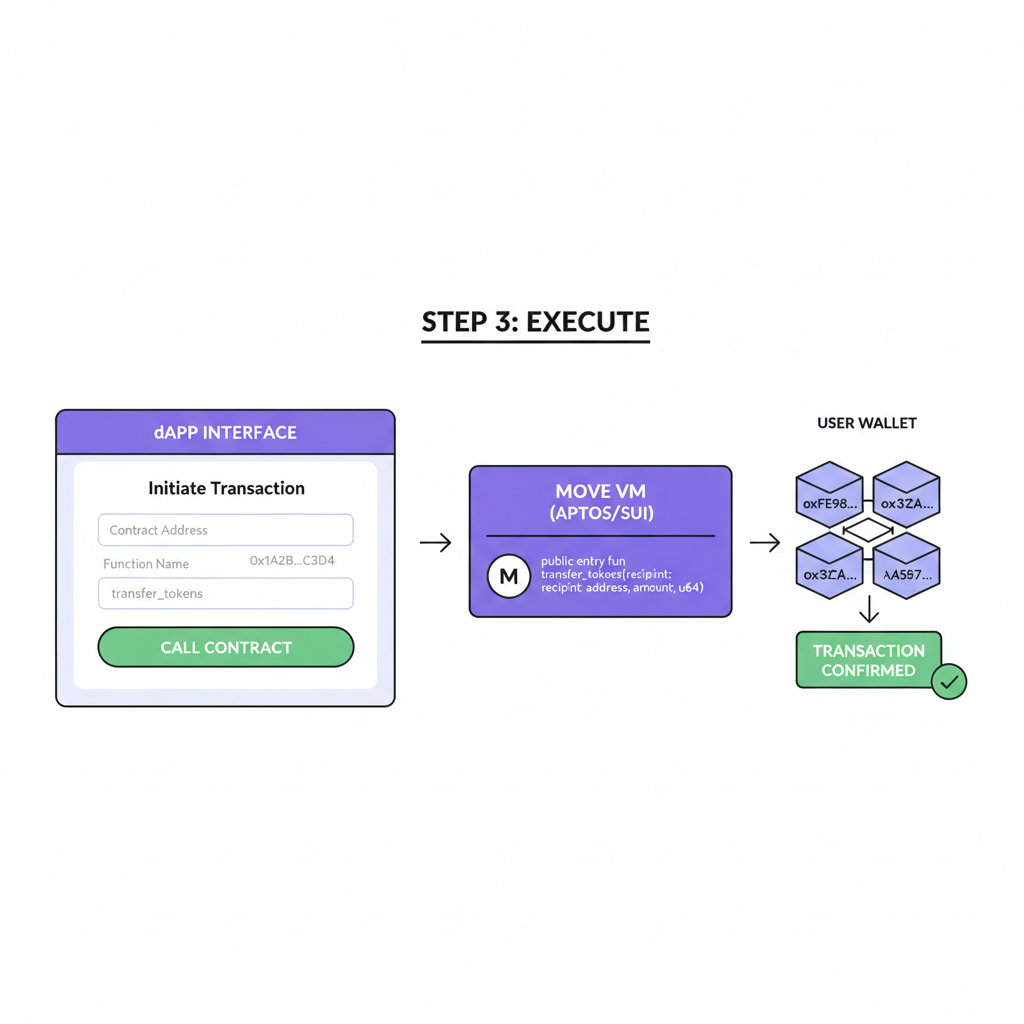
Sui’s TransactionBlock composes multi-step operations atomically. From React, instantiate it within a useMutation hook, chaining moveCalls: transfer objects, call modules, even pure computations. Sign and execute via connected wallet, polling for effects. This Sui blockchain frontend guide pivot reveals power; one block handles complex DeFi swaps, outpacing sequential chains I’ve analyzed over decades.
Crafting the TransactionBlock to Increment the Counter
To interact with the counter smart contract we’ve deployed on Sui, we need to construct a TransactionBlock that calls the `increment` function. This React component demonstrates a conservative approach using the `@mysten/dapp-kit` hook for signing and executing the transaction, ensuring a smooth user experience while handling success and error cases thoughtfully.
import { TransactionBlock } from '@mysten/sui.js/transactions';
import { useSignAndExecuteTransactionBlock } from '@mysten/dapp-kit';
function IncrementCounter({ packageId, counterId }) {
const { mutate: signAndExecute } = useSignAndExecuteTransactionBlock({
onSuccess: (result) => {
console.log('Counter incremented successfully:', result);
},
onError: (error) => {
console.error('Failed to increment counter:', error);
},
});
const handleIncrement = () => {
const tx = new TransactionBlock();
tx.moveCall({
target: `${packageId}::counter::increment`,
arguments: [tx.object(counterId)],
});
signAndExecute({ transactionBlock: tx });
};
return (
);
}
export default IncrementCounter;When the user clicks the button, their wallet will prompt for approval to sign the transaction. Upon success, the counter value updates on the blockchain. Remember to provide the actual `packageId` from your Move package deployment and `counterId` from the initialized object when using this component in your dApp.
State management elevates usability. TanStack Query or SWR caches RPC responses, invalidating on transaction success. Components re-render with fresh data, user perceives instant feedback. Amid Sui’s steady $0.9615 valuation, down slightly 0.5420% today between $0.9971 high and $0.9557 low, such optimizations attract builders seeking reliability over hype.
Rigorous Testing and Mainnet Deployment
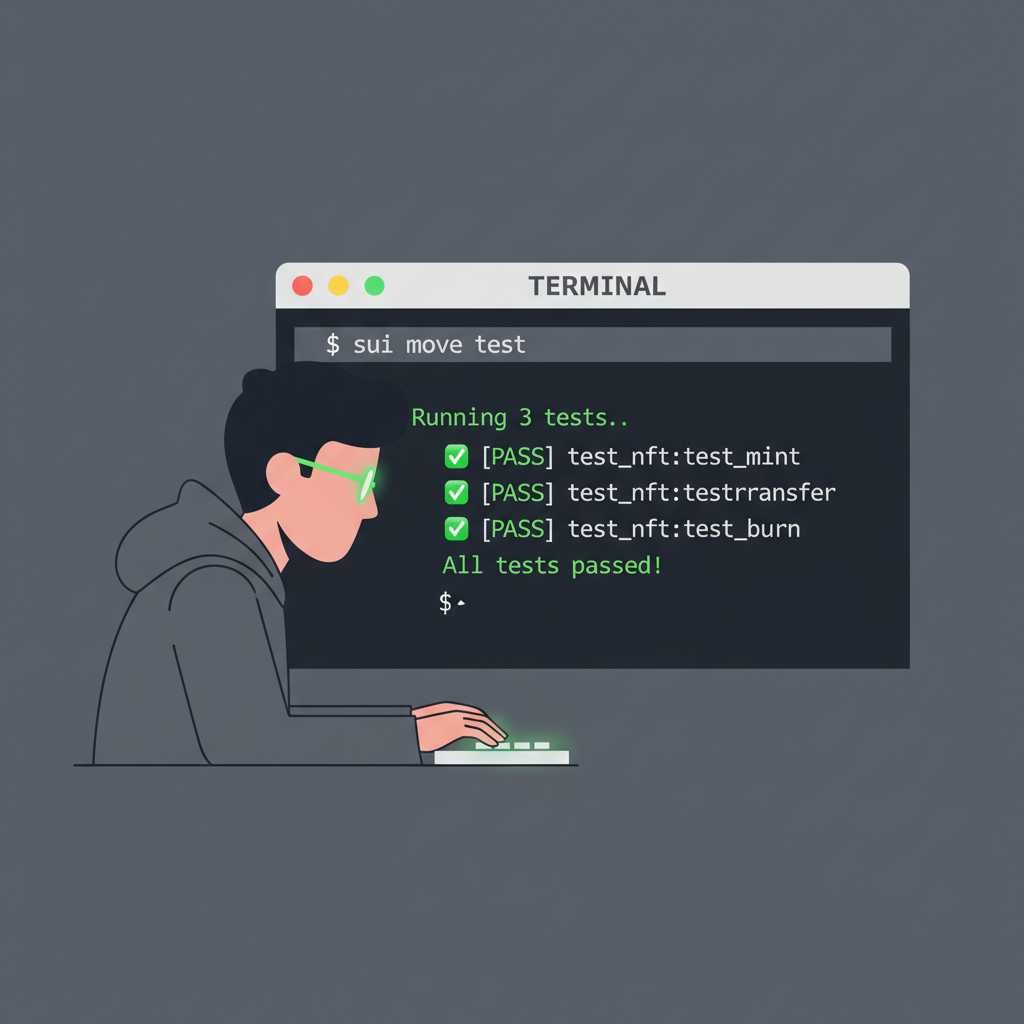
Testing anchors longevity. Unit test Move modules with Sui Test framework, simulating gas and failures. Integration tests via Playwright script end-to-end flows: connect wallet, increment, verify UI. Conservative rigor here prevents the crashes that erode portfolios. Deploy frontend to Vercel or Netlify; contracts to Sui mainnet post-audit. Use sponsored transactions for gasless UX initially, scaling thoughtfully.
Test, Deploy, and Optimize: Elevate Your Sui Move React dApp

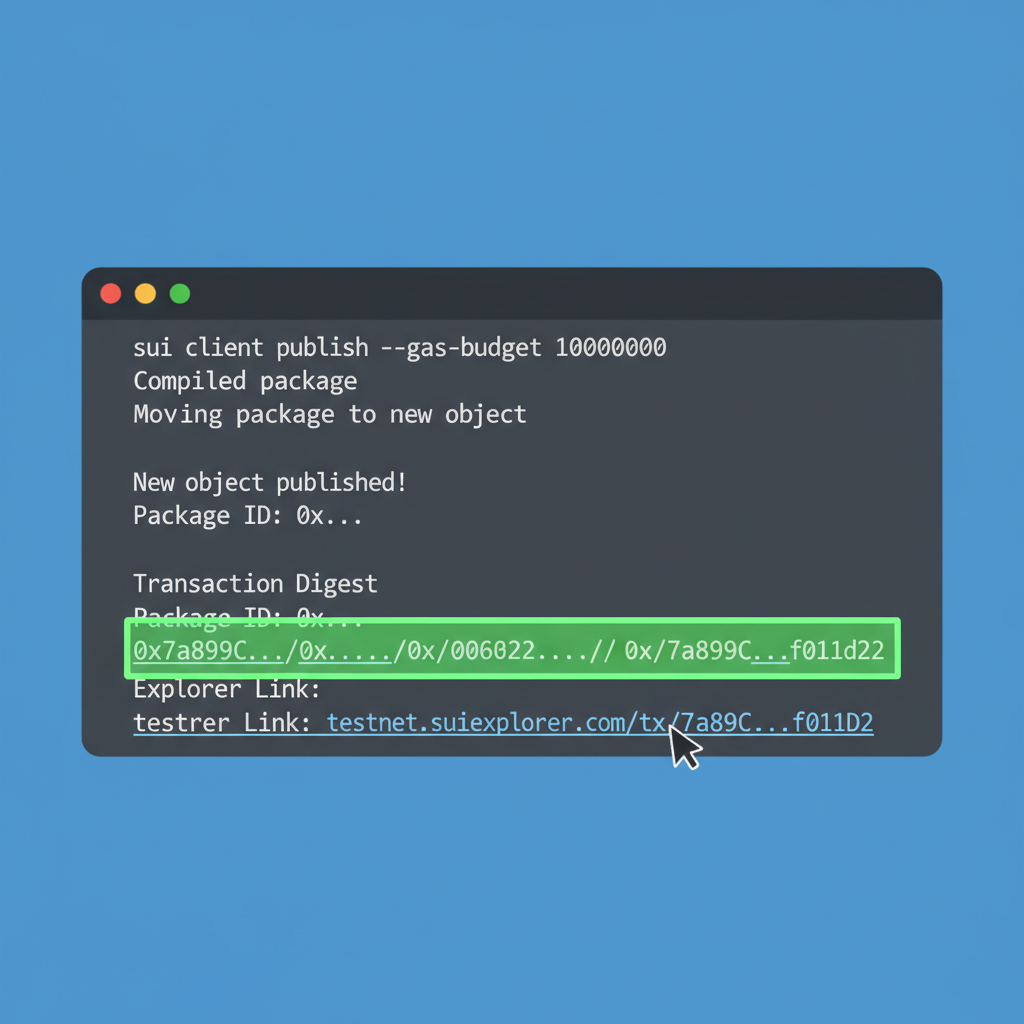
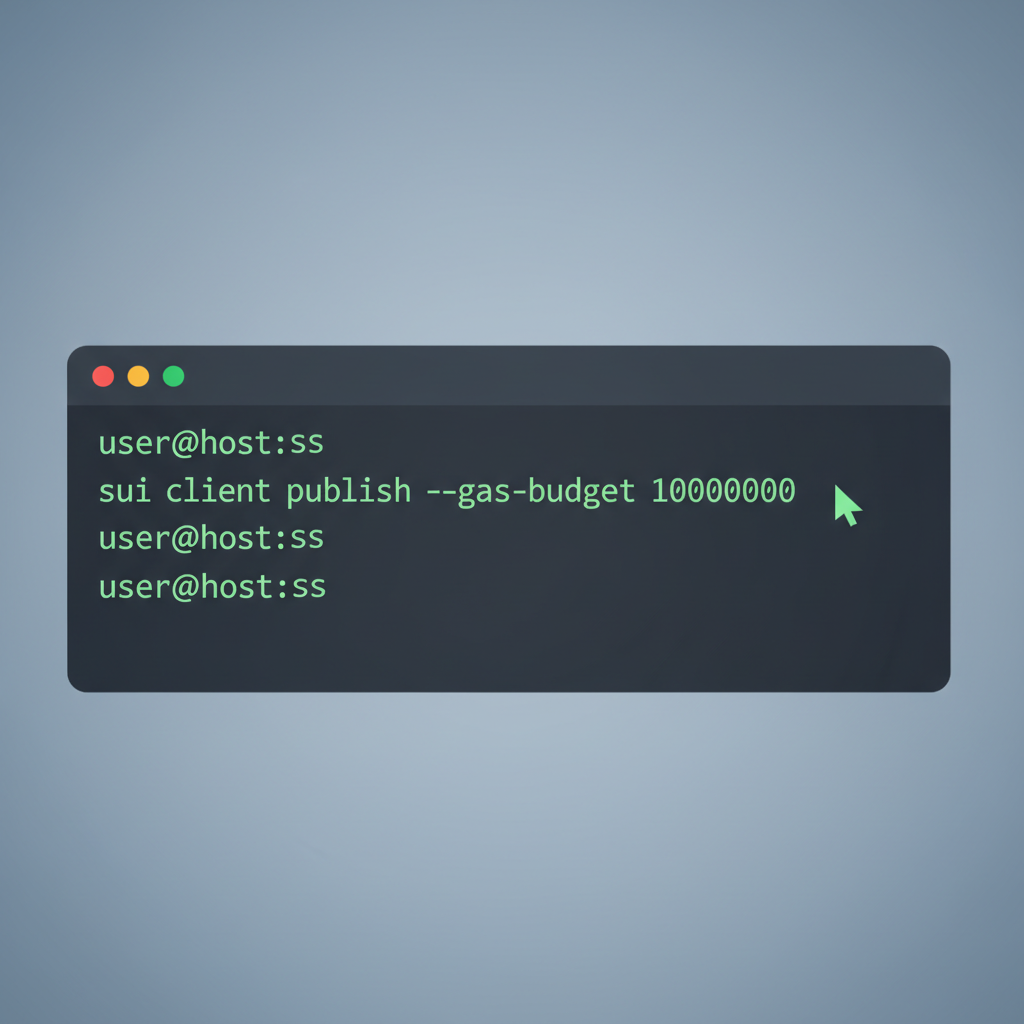

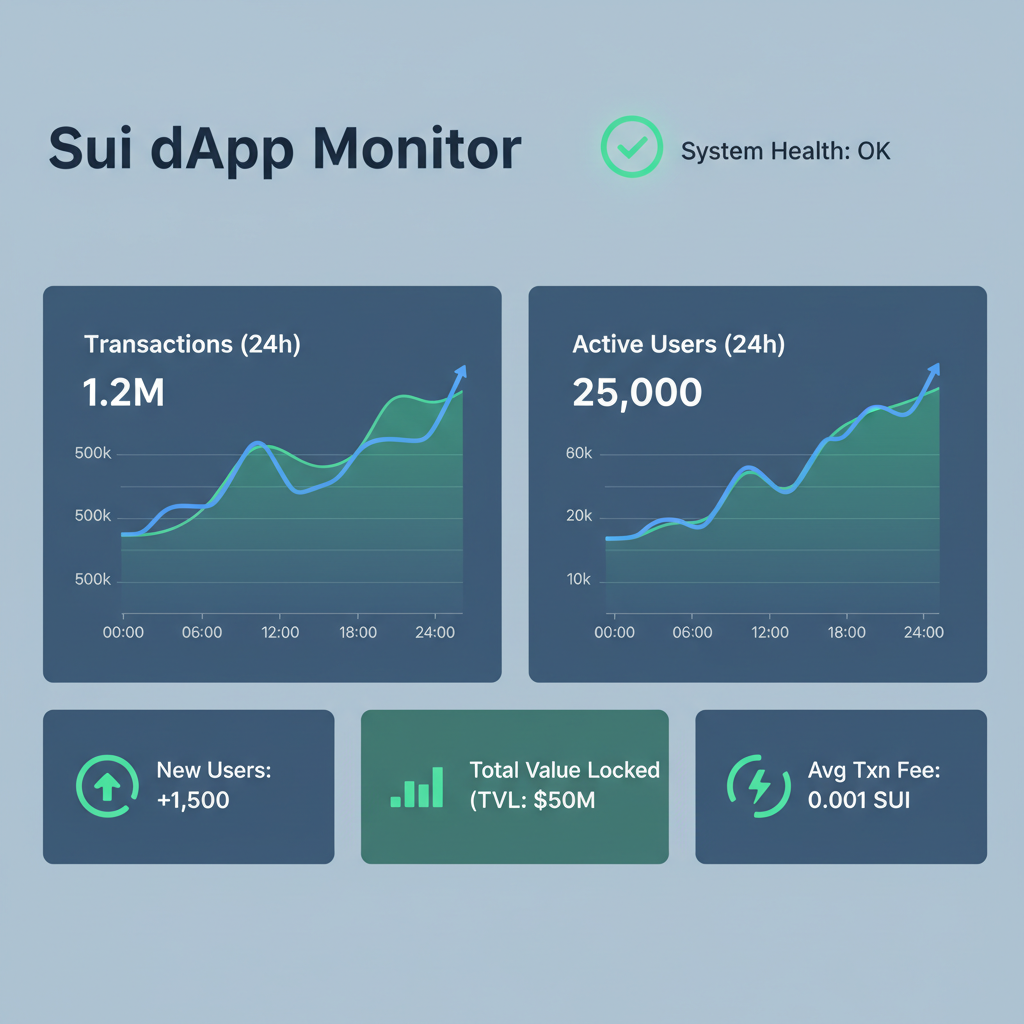
Monitor with Sui Explorer, tracing object changes. CI/CD pipelines via GitHub Actions automate proofs and publishes. This discipline, akin to rebalancing amid macro cycles, sustains dApps through volatility.
Resources to Master Sui Move React Integration
Dive deeper with Sui docs on frontend connections, Dacade’s zkLogin tutorial blending React and Move, or Nadcab Labs’ step-by-step dApp blueprint. GitHub’s awesome-sui curates tools; Oboe’s guides demystify deployment. Forums pulse with examples, from basic moveCalls to React hooks. zkLogin streamlines auth, passkeys replacing seeds, enhancing security I’ve long championed in investments.
Building on Sui feels deliberate, each line compounding value like dividends accrued over time. With ecosystem tools maturing, from dApp Kit’s React primitives to Move’s prover, developers craft not just apps, but enduring protocols. Sui at $0.9615 signals patience rewarded; so too will measured coding yield resilient dApps in blockchain’s long game.